Change the size of the pasteboard in InDesign
This post was originally posted on April 9, 2014 on Sketchbook B. It’s reposted here as part of a project to move some of my favorite writing to my new site.
NOTE: While this page may have useful insights, be aware that it was published more than 10 years ago and may not be relevant for current software versions.
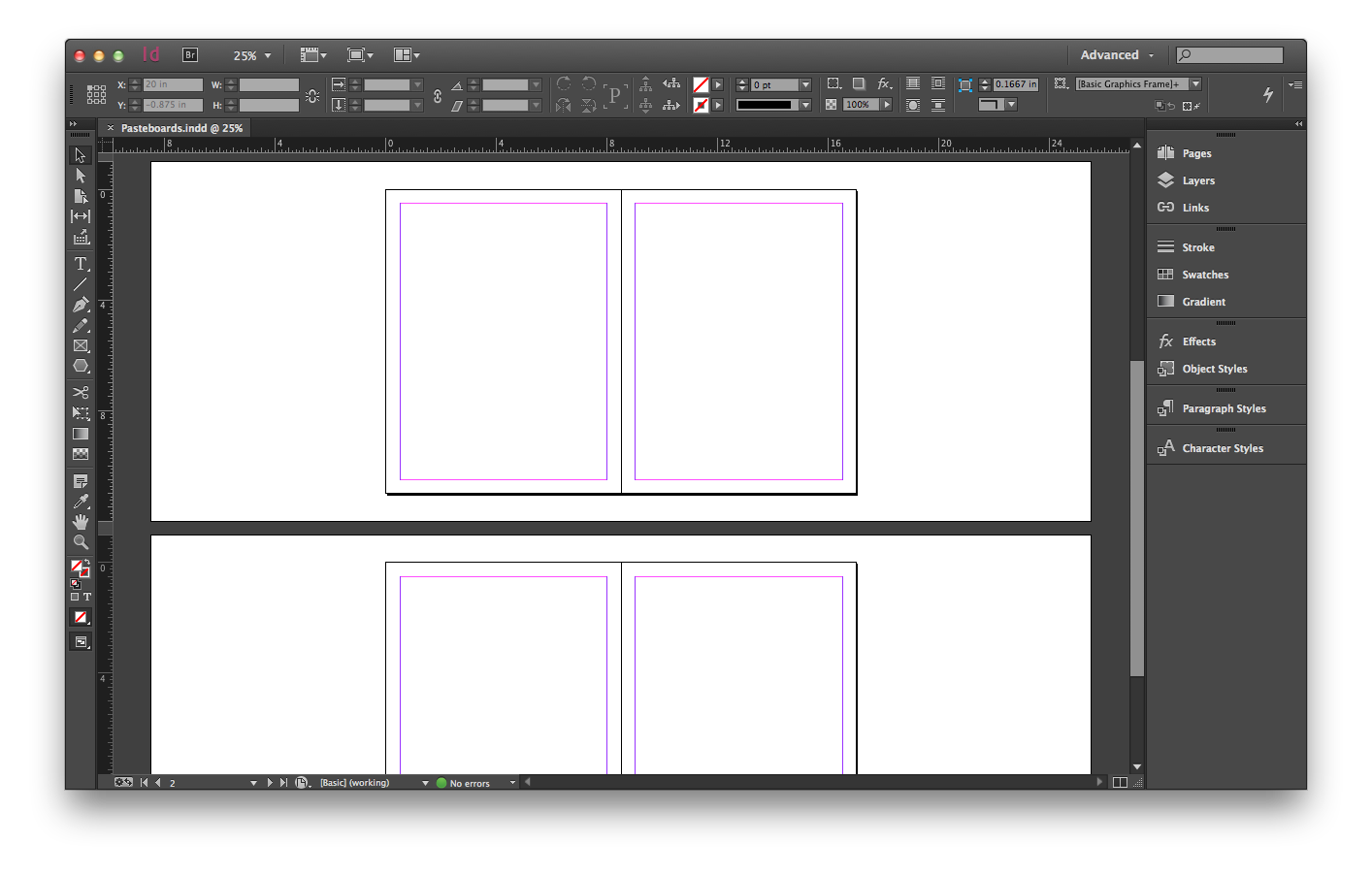
The InDesign pasteboard is narrow on the top and bottom and wide on the sides. But it can be changed. Before…
Go to InDesign > Preferences > Guides & Pasteboard… and change the “Pasteboard Options” at the bottom of the preference screen.
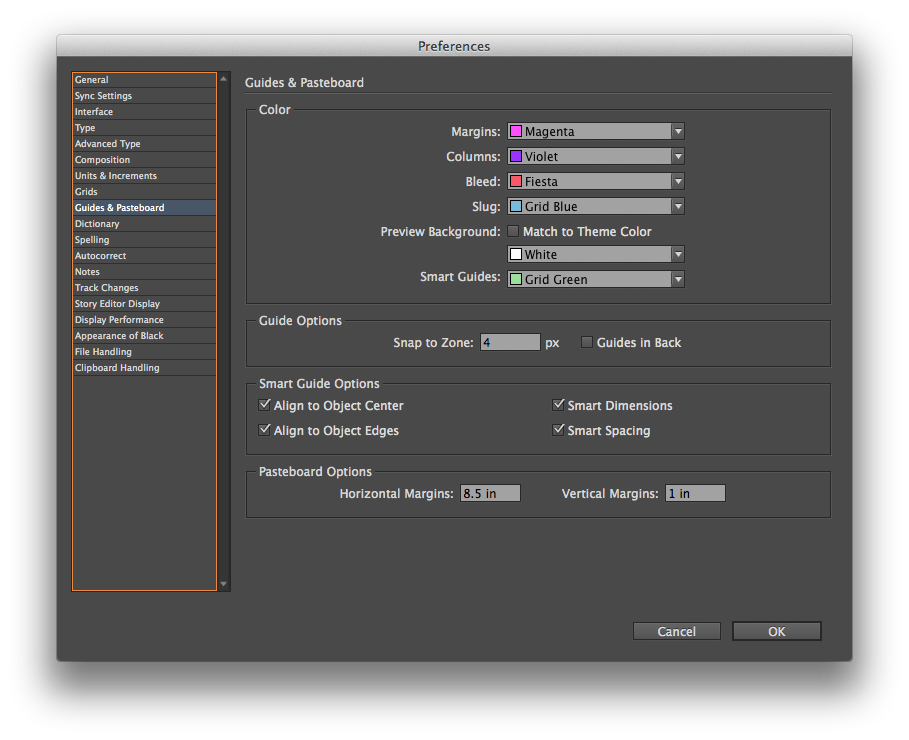
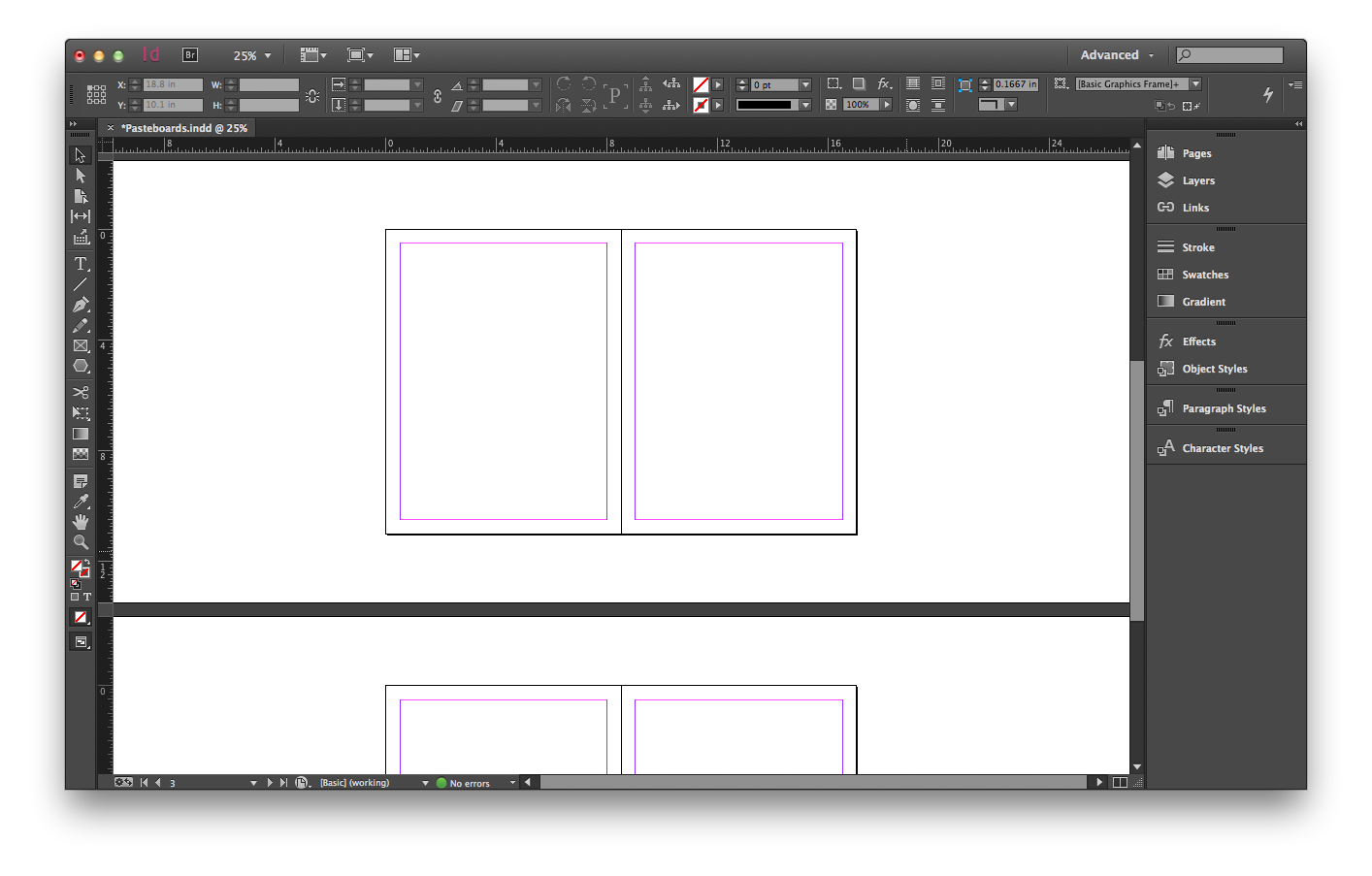
Change the horizontal margins to 10 inches and the vertical margins to 2.5 inches and it looks a little different…
I’m not sure how often I’ll change the margins. The defaults have always worked pretty well for me. But especially on large format designs, it will be nice to have the option.