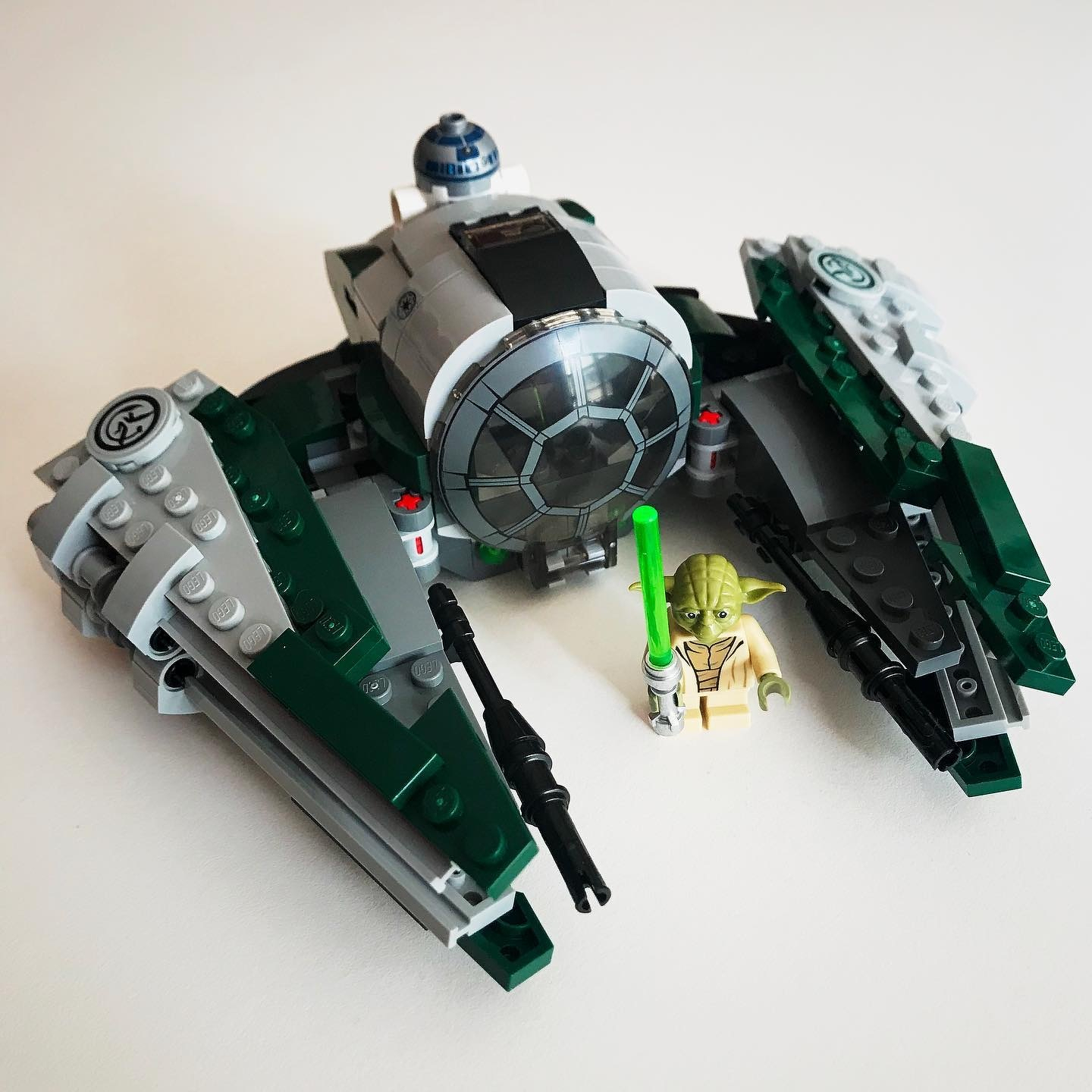
When your son realizes he saved a Lego set from Christmas… Yoda’s Starfighter.

This post was originally posted on July 4, 2019 on Sketchbook B. It’s reposted here as part of a project to move some of my favorite writing to my new site.
I grew up loving magazines. Any time I’d be interested in something, I’d head to the magazine aisle in the bookstore or grocery store and look for magazines on the topic. Computers, cars, boats, science, model railroads, photography, sports, baseball cards, comics, design and more. It didn’t matter what I was interested in, there was at least one magazine on the topic.
Growing up in the pre-internet days, these magazines provided the info I was looking for. Detailed, up-to-date, authoritative info about whatever geeky habits I was interested in. Even the ads were informative and useful. I subscribed to some of them. Others, I’d buy if the main topics that month interested me.
The internet destroyed these publications. The first blow came from blogs. Authoritative people writing about the things they loved that people could read for free. The second blow was Google, which could route you to exactly what you were looking for. For various reasons — mostly related to monetization — the blog revolution failed to really take hold. Google’s search engine algorithm seemed to reward people with better SEO tactics over more authoritative sources. When I search Google for resources today, it’s hard to tell if what I’ve found is up-to-date or reputable. More often than not, I’m led to dated post of questionable origin that barely answers my question.1
I was excited about the introduction of Apple News+. Access to hundreds of magazines for $10 a month. The service is nothing world-changing. I’ve absolutely gotten my money’s worth and will continue to subscribe. Surprisingly, though, I discovered I’d already filled the need for a detailed, up-to-date, authoritative source for my geeky habits: podcasting.
I use podcasts the same way I used special interest magazines as a kid.
If I’m interested in a topic, I find a podcast. Computers, design, photography, business, pens, science fiction, pop culture, sports, meditation and more. I subscribe to many of these podcasts in Overcast2, while others I only listen to a few episodes. Even the ads are informative and relevant. Podcasts are how I learn about and explore new topics.
Some people think of podcasting as an evolution of talk radio. Others feel it’s more an audio form of blogging. I suppose I don’t have an issue with either of those opinions, but for me, podcasts serve a vital role as a replacement for the special interest magazine.
Bob Wertz is a creative director, type designer, Ph.D. student and researcher living in Columbia, South Carolina. He’s been blogging since 2008.
Strikeout.

This post was originally posted on July 4, 2019 on Sketchbook B. It’s reposted here as part of a project to move some of my favorite writing to my new site.

I’ve worn glasses since 7th grade and contacts since 10th grade. I wasn’t happy with my old optometrist — one of those big national chains. So when it came time to renew my contacts prescription, I changed to a new locally-owned optometry practice that opened near my house.
I told my new doctor about how much I was reading with graduate school and he asked if I had ever used reading glasses. I assured him that I didn’t have any issues with reading, but we might as well see if I needed them.
I now have reading glasses.
It’s a light prescription, but it makes a significant difference.
Since I’ve gotten the glasses, I’ve noticed another interesting difference: I’m reading more. At first, I thought that maybe it was because the glasses reduce my eye strain and make it easier to read comfortably. But I think it’s more than that. I recently read Atomic Habits by James Clear which is all about ways to develop positive habits. One of tips he gives you is to pay attention to the cues that lead you into certain actions. So if junk food is visible, but the fruit is hidden in the refrigerator crisper drawer, you’ll likely eat more junk food. But if you put the fruit in a bowl on the counter and hide the junk food, your eating habits will change.
For me, the glasses seem to be acting as a physical cue to focus on reading. With my glasses on, I’m less likely to switch modes and try to multitask. The end result is that once I start reading, I read longer.
Another fun side effect of getting old.
Bob Wertz writes about design, technology and pop culture at Sketchbook B. Bob is a Columbia, South Carolina-based designer, researcher, college instructor, husband and dad. He’s particularly obsessed with typography, the creative process and the tools we use to create.
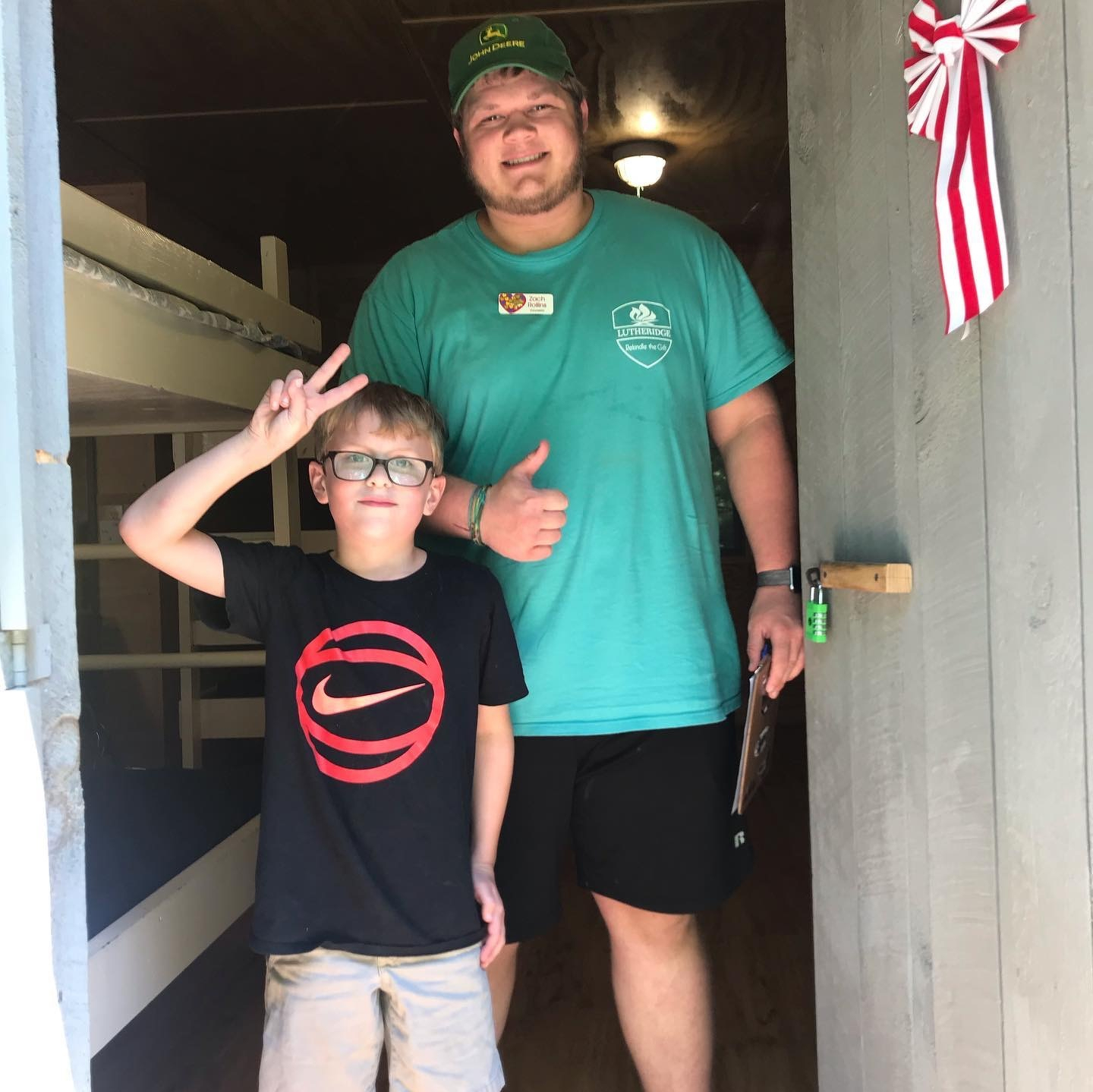
Picked Norah up from Campfirmation. Got the traditional picture with her counselor. #lutheridge

This post was originally posted on June 22, 2019 on Sketchbook B. It’s reposted here as part of a project to move some of my favorite writing to my new site.
I just wrapped up another semester of graduate school working part time towards a masters degree in mass communications. I intended to recap the semester right after classes were over, but I’ll be honest… the volume of reading, research and writing this semester (while working full time) completely exhausted me. A month-and-a-half later, I’m mostly recovered. It was a great semester and I’ve got a much better idea of where I’m heading with my thesis and plenty of ideas for future research.
This spring, I took two classes — one on the history of mass media and an introduction to content analysis.
For the mass media history class, I researched the introduction of the Linotype into weekly newspapers across South Carolina in the early 1900s. My project involved digging through newspaper archives and discovering fascinating stories about community papers at the turn of the century. I’m happy with the final paper and want to rework it a little bit before submitting it for conference consideration.
Content analysis is the process of systematically researching the patterns and content of documents and other communications materials. I performed a quantitative content analysis project looking at logo reviews on Brand New and how the content of the review affected reader reaction. The final paper was accepted by AEJMC’s Visual Communication division for presentation at the annual conference in Toronto this August. I’m really excited — and more than a little bit nervous — for my first academic conference presentation.
I enjoyed both classes, but the semester was exceptionally intense. I spent many evenings studying, reading and writing at the new Starbucks not too far from my house. I’m proud of both of my major papers and have many ideas of how to extend them into future research. A few other observations from the semester:
Next semester, I’m taking a single class — Literature of Mass Communication — and I’m teaching a class. I’m looking forward to another semester of research and what I assume will be a significant reading load.
Bob Wertz writes about design, technology and pop culture at Sketchbook B. Bob is a Columbia, South Carolina-based designer, researcher, college instructor, husband and dad. He’s particularly obsessed with typography, the creative process and the tools we use to create.
This post was originally posted on June 22, 2019 on Sketchbook B. It’s reposted here as part of a project to move some of my favorite writing to my new site.
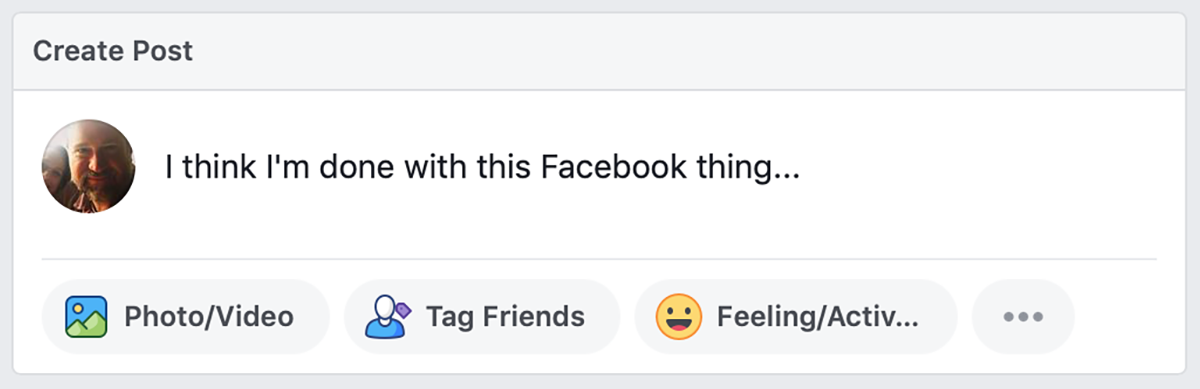
I pretty much abandoned Facebook late last year. Quitting Facebook has become trendy as it’s become apparent that the service is creepy and maybe a little evil. And while there are no shortage of “Why I quit Facebook” blog posts, I felt like I wanted to add my thoughts.
I didn’t leave Facebook because of some sort of protest against their obvious ethical shortcomings and lack of respect for user privacy.
I noted at the start of the year that I felt like I needed to change my relationship with social media. My Facebook departure started as a “think before posting” exercise, reflecting on why I was posting, commenting or liking things before I actually did. And the result was that I started posting less. Posting less meant that I wasn’t popping in to check on responses to my posts. And the fact that I wasn’t in Facebook as much meant that I wasn’t reading as many posts. And then something else happened…
I was happier.
I stopped posting in Facebook all together around the start of the year. Any post you saw from me originated in Instagram. I would occasionally still like or comment on other’s posts if I saw them, but as I transitioned away from posting on Facebook, I saw far fewer posts. I’m pretty sure no one noticed. No one has said anything. My wife is still posting so close friends are still seeing pictures of my family and hearing funny stories.
So why am I happier? I honestly don’t know.
I listened to a podcast this week where Cal Newport discussed his book Digital Minimalism. I haven’t read the book yet, but his argument seems to be that social media is engineered to suck you in, and by opting out of the social media hamster wheel, you’ll be more productive and happier. I think that’s definitely part of it.
I also think part of it is that I don’t have to see the worst of people. People I know routinely post obviously fake things to Facebook. I see ignorance and hate from people that I assumed were good people. But on Facebook, they allow themselves to be different. It’s frustrating to see that hypocrisy and it makes the whole Facebook experience completely miserable.
Even though I’ve deleted the app off my phone, I still visit Facebook every so often to look at my memories from the last 11 years. There are so many great nuggets from my wife and kiddos — comments and pictures that make me happy. I’m currently working on a way to preserve those in a more tangible format.* I also need an account to connect with some groups that only communicate through Facebook. So I can’t completely delete my account yet.
My goal is to stay under 30 minutes of total social media use a day and I’m using Apple’s ScreenTime settings to keep me honest. I still enjoy posting on Instagram occasionally, even if it is owned by Facebook. I use Twitter, but I’m actually starting to limit my Twitter usage, too.** My hope is that I’ll be able to reclaim some of the time that I was spending on social media and channel that energy into other endeavors.
* I will blog about that process here.
** My Twitter posts are actually microblog posts that originate on my own blog and are shared through Micro.Blog and then Twitter.
Bob Wertz writes about design, technology and pop culture at Sketchbook B. Bob is a Columbia, South Carolina-based designer, researcher, college instructor, husband and dad. He’s particularly obsessed with typography, the creative process and the tools we use to create.
VBS ending songs. Fun hanging out with these kiddos this week.


Ryan got bored waiting for Norah’s lacrosse practice to end.
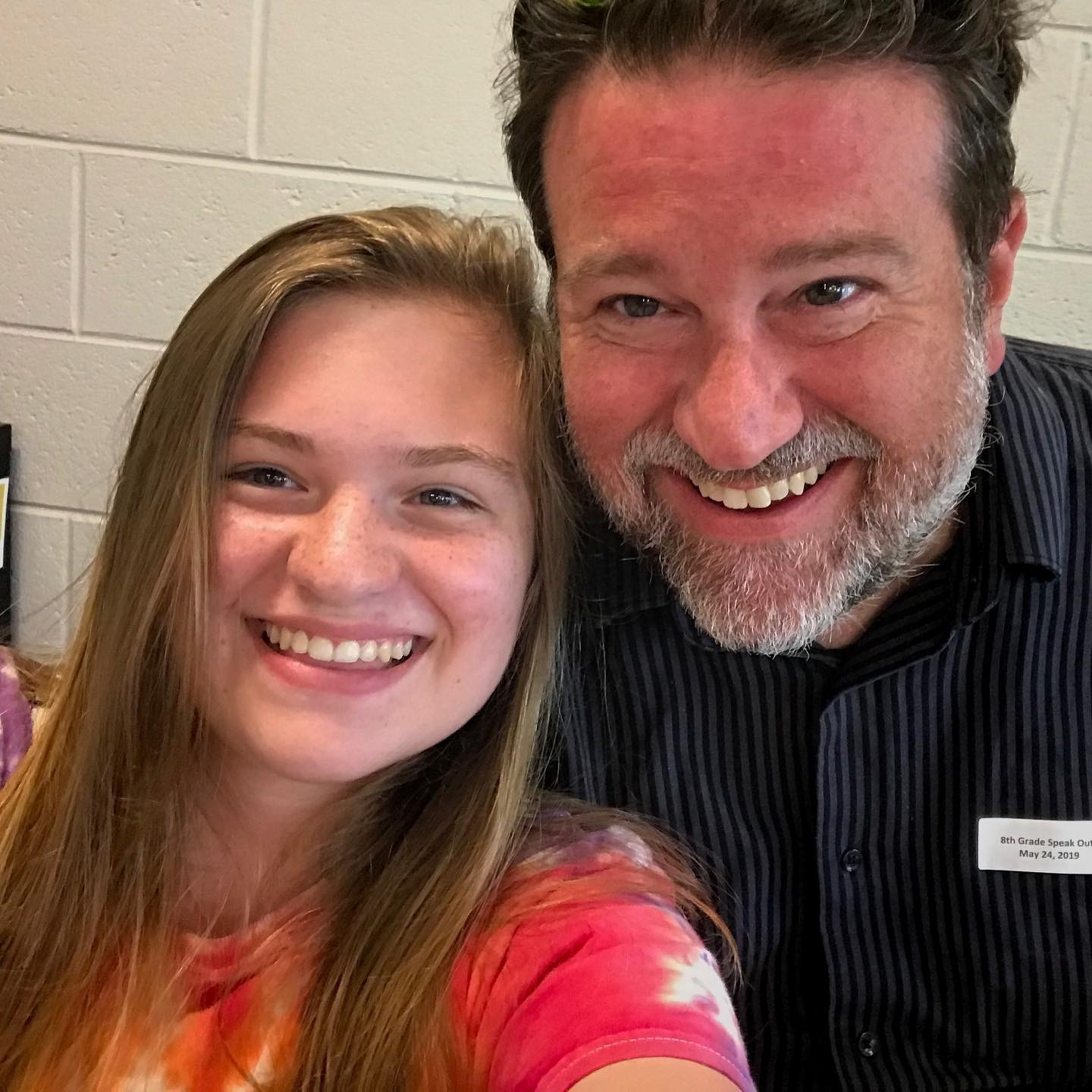
Got to see Norah and her @chapinmiddleschool classmates perform poems and monologues as part of their annual Speak Out program. They all did amazing.
Date night in Soda City.
Happy Mother’s Day to my amazing wife and parenting partner-in-crime, Liz. (She’s recovering from a wisdom tooth extraction so we aren’t exactly celebrating this weekend, but we’ll make up for it later.)
The things you find walking around @uofsc