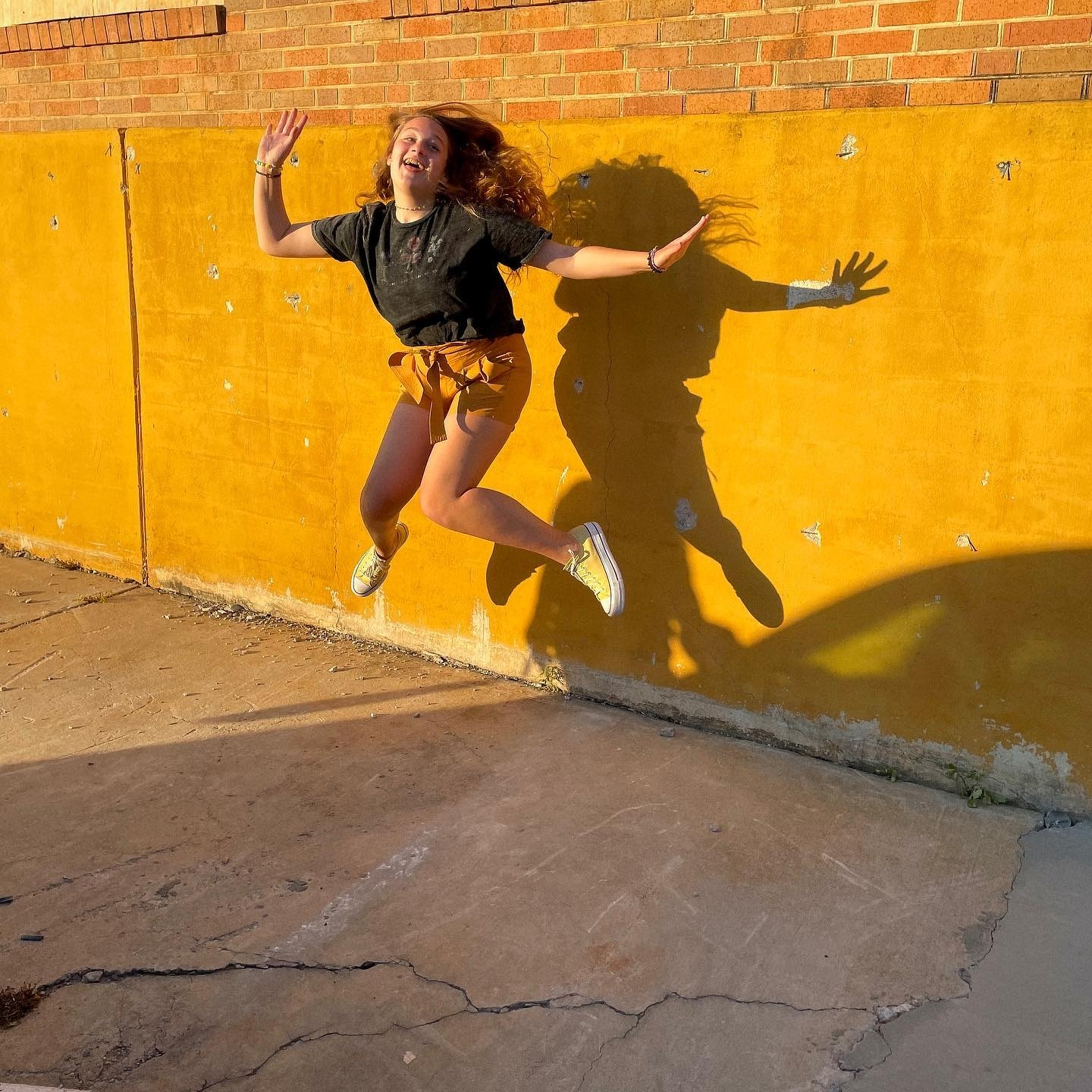
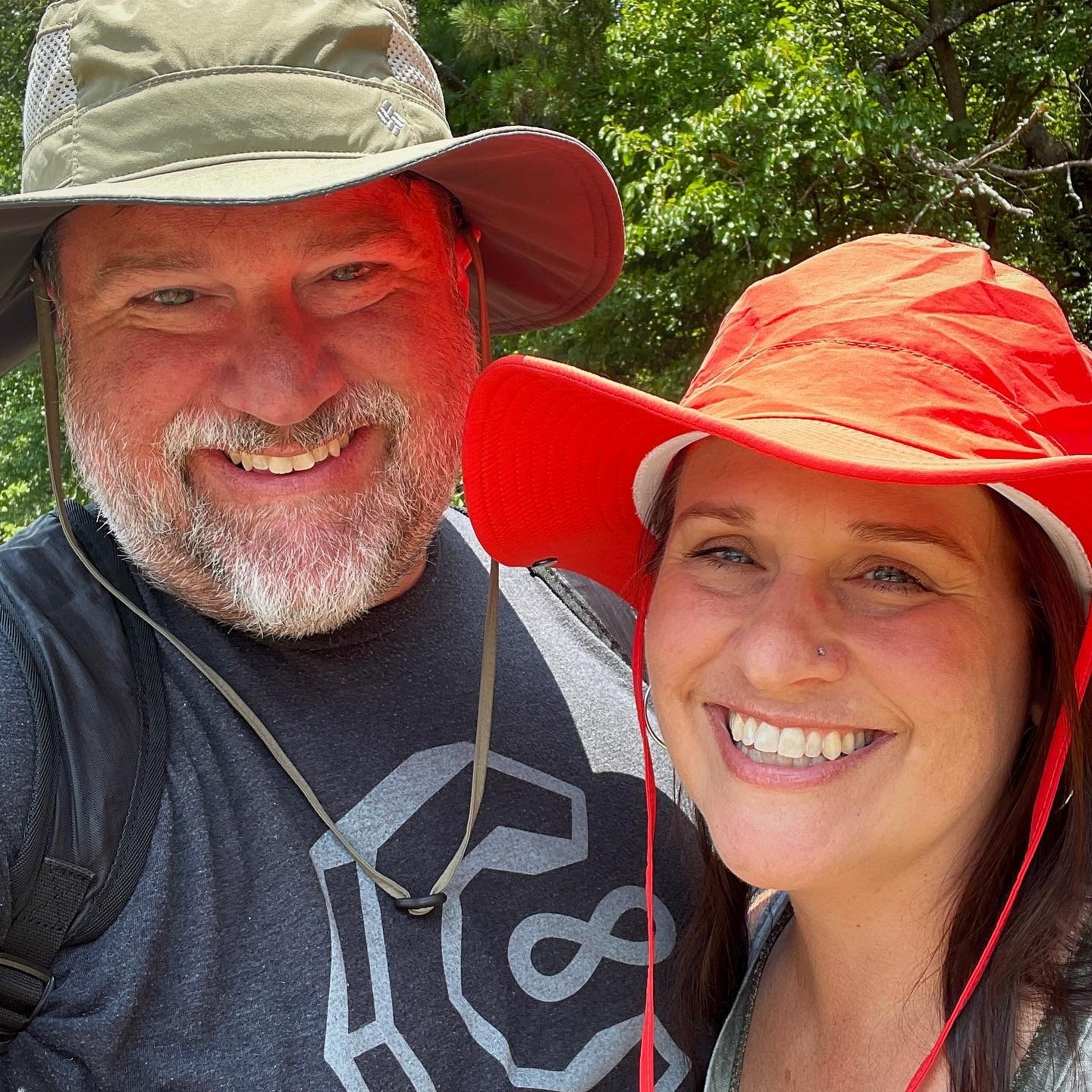

Happy 13th birthday, Jill!

On Wednesdays we are all virtual from home. (Featuring Liz teaching Kindergarten from our laundry room.)

Our first day of school shot 2020. Liz heads to school to teach Kindergarten (virtually). And the kids start at home… high school, middle school and elementary.

Time flies when you are having fun… it’s absolutely unbelievable that it’s been 21 years since Liz and I got married. Happy anniversary, Liz.

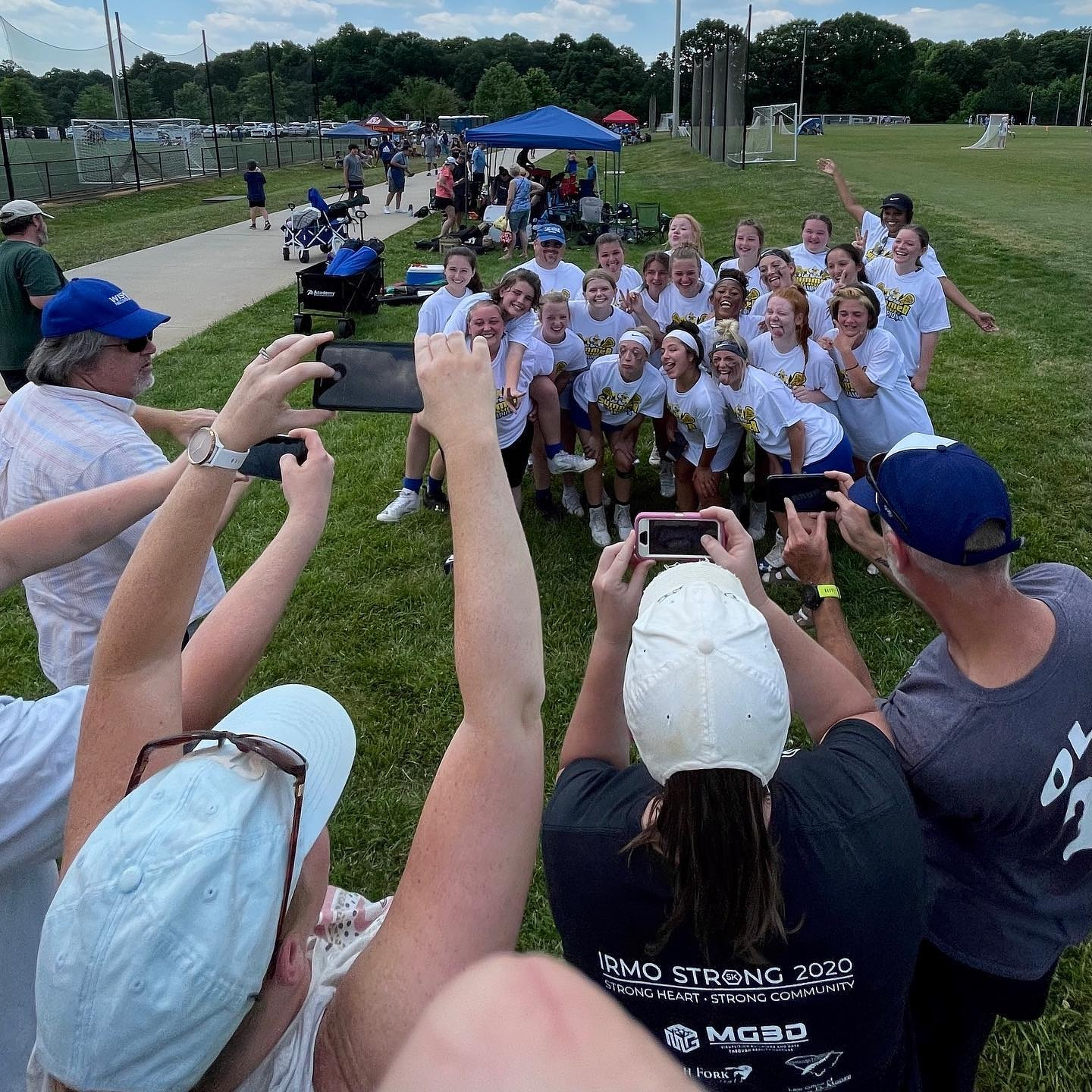
Downpour at the lacrosse tournament.

Saw these rocks on campus… Justice. Peace. Truth.

Getting organized with Notion

This post was originally posted on July 21, 2020 on Sketchbook B. It’s reposted here as part of a project to move some of my favorite writing to my new site.

An “all-in-one workspace” with maximum flexibility

I’m a designer and a graduate student. I have a full-time job and family. One of my biggest challenges is keeping track of things — projects, tasks and ideas — as I bounce between all of my various roles.

Notion’s logo is a toy block… I just happened to have one at my desk.

Notion’s logo is a toy block… I just happened to have one at my desk.

I’ve used a variety of apps, but I always felt I was having to adapt my process to the way the software wanted me to work. Recently I discovered a service, Notion, that really works that way I want it to and it’s changed the way I organize myself as a writer, designer and a researcher.

Background

Years ago, I used Backpack, an app from 37 Signals (who changed their company name to just Basecamp). The app allowed you to collect information, links, to-do lists and research into pages in an intuitive, freeform way. I loved Backpack and was disappointed when they announced in 2012 they were discontinuing development of the product.*

Since I moved on from Backpack, I’ve tried lots of different apps and systems for tracking tasks, collecting research and organizing projects. Apps and services like Flow, Wunderlist, Todoist, Basecamp, Trello, Evernote and Apple Notes. (I’ve tried paper-based systems to keep track of tasks, too.) Many of the apps were powerful or full-featured, but none of them worked the way I wanted them to work.

Notion has been around since 2016, but I discovered the app recently when Scott McNulty (Random Trek, Vulcan Hello, The Incomparable) mentioned it on Twitter. Notion bills itself as an “all-in-one workspace,” able to handle tasks, notes and more. That’s a big claim, but after using it for a couple of months, I’m really impressed.

Using Notion

In Notion, you can design a structure that works for you. Pages consist of “blocks” which can contain a range of features — from simple items like text, images, bulleted lists and to-do lists to more complicated databases. You can arrange the blocks in any way you want. Just drag and drop them. Many aspects of the layouts can be customized, allowing the user to change text colors, header images and page layouts.

My 2020 theme page has my goals for the year.

My 2020 theme page has my goals for the year.

Pages are arranged in the sidebar. You can group pages and link between them. The whole process is actually very similar to building pages in a drag-and-drop content management system like Squarespace. I’ve set up pages for my annual themes, my typeface projects, trip ideas, my thesis, things to purchase for my home office setup and more.

My design and research projects now start in Notion. I’m still using Ulysses as my primary writing app and prefer its distraction-free writing environment. Zotero is the app I use to track the journal articles and references that will end up in my research papers. But all of my other note taking, research and personal task management is gathered in Notion.

I used Notion to plan the recent upgrade to a new Squarespace template.

I used Notion to plan the recent upgrade to a new Squarespace template.

Tips to getting started

Normally, I’m the type of person who skips all the onboarding steps and just starts using an app. I tried to do that with Notion, but I struggled to figure things out. I recommend watching the tutorial videos. They aren’t long and help you understand how to get the most out of Notion.

Once you have a good idea of how Notion works, start experimenting. See which features work for you. Notion offers a range of prebuilt templates, and exploring them helped me to understand how to build better pages.

Because Notion has so much flexibility, you can easily fall down the rabbit hole and spend too much time tweaking and adjusting your pages. My advice is to keep it simple at first, and work your way up to more complex layouts and databases.

Finally, don’t feel like you have to use everything. Notion has a ton of functionality that I’m not using including collaboration tools, third-party app integrations, guest users or even create public pages that anyone can visit.***

Pricing

Notion offers a free Personal plan that should work for most people. I just updated to the $4 a month Personal Pro that adds version history and unlimited guests. (Honestly, I could have stayed at the free level, but I wanted the version history AND I wanted to support a great product.)

If you are interested in using Notion with a design or project team, those plans start at $8 per user per month. I could see using Notion with not-for-profit boards, creative teams or with any team working remotely.

Improvements

Notion is updating their app regularly, adding features and improving the product. There are a couple of improvements I’d like to see. Their iOS apps are great, but sometimes, selecting and editing text can be challenging. I wish they had a web clipper for Safari on the Mac to make it as easy to add links on the Mac as it is on iOS.**** And I’d really like the option to archive old pages to get them off the sidebar without deleting them. But these are minor issues in an otherwise stellar app and I feel confident that the team is constantly working to improve them.

Final Thoughts

It’s amazing how quickly Notion has filled the spaces in my workflow. Because of Notion’s flexibility, I’m able to tailor it fit to my needs as a designer and as a grad student. It’s become my primary workspace for developing ideas, structuring research and organizing my life.

I’m happy with Notion and look forward to using it for years to come. If you need an app to help pull together the projects, tasks and ideas floating around in your head, give Notion a try.


* While Basecamp stopped developing Backpack, paying users can still access the app. Unfortunately, I gave up my subscription long ago.

** I used Wunderlist, which was purchased by Microsoft and turned into Microsoft To Do, which honestly, is a solid task manager, especially when it’s integrated with Outlook.

*** I’m thinking about using one of these public pages for ColaContent. And I could easily see using this product with a design team or for a research project.

**** Apple recently changed the rules for extensions in Safari. Hopefully, this will clear the way for a web clipper in Safari.


Bob Wertz writes about design, technology and pop culture at Sketchbook B. Bob is a Columbia, South Carolina-based designer, researcher, college instructor, husband and dad. He’s particularly obsessed with typography, the creative process and the tools we use to create.

The cats would like some attention this morning. (Also, super rare shot of the two of them together.)

New Team Wertz Adventure.

It’s time to wear a mask

This post was originally posted on June 21, 2020 on Sketchbook B. It’s reposted here as part of a project to move some of my favorite writing to my new site.


Wearing a mask is a simple way to prevent the spread of COVID-19

I’ve been working from home since March 13 because of the COVID-19 pandemic. And since March, I’ve been wearing a mask every time I go to the store, or pick up food from a restaurant. Four months of mask wearing. Here in South Carolina, unfortunately, our COVID-19 infection rate is rising. Despite that alarming increase, people still aren’t wearing masks.

Admittedly, initial guidance on whether we need to wear masks was muddled and confusing, but over the last few months, the consensus among health experts is clear: Wearing a mask helps prevent the spread of COVID-19.

If you are wearing masks when you go out, thank you. If not, here are a couple of tips for comfortably wearing a mask.

Masks for the whole family.

Masks for the whole family.

The reality is that we’ll be wearing masks for the foreseeable future. When I return to the office in August, I’ll be wearing a mask. I’m taking a grad school class in the fall and I’ll be wearing a mask in class. In the midst of a pandemic, remember that wearing a mask is one way to protect the people we love and respect.


Bob Wertz writes about design, technology and pop culture at Sketchbook B. Bob is a Columbia, South Carolina-based designer, researcher, college instructor, husband and dad. He’s particularly obsessed with typography, the creative process and the tools we use to create. And he wears a mask to protect his community.

Ruby wants to “help.”

One. Two. Three.

This made me laugh. They need a small sign to call attention to the big sign. #wearamask

Civic duty.

Saw this little guy on my walk.

Team Wertz mask selfie. Thanks for the awesome masks, @nanabysally.

Happy Mother’s Day, Lizzy.

The kids made avocado toast for Liz for Mother’s Day breakfast in bed this morning.

Lizard hanging out on our front step.

Team Wertz now has three @enohammocks.