Gardens
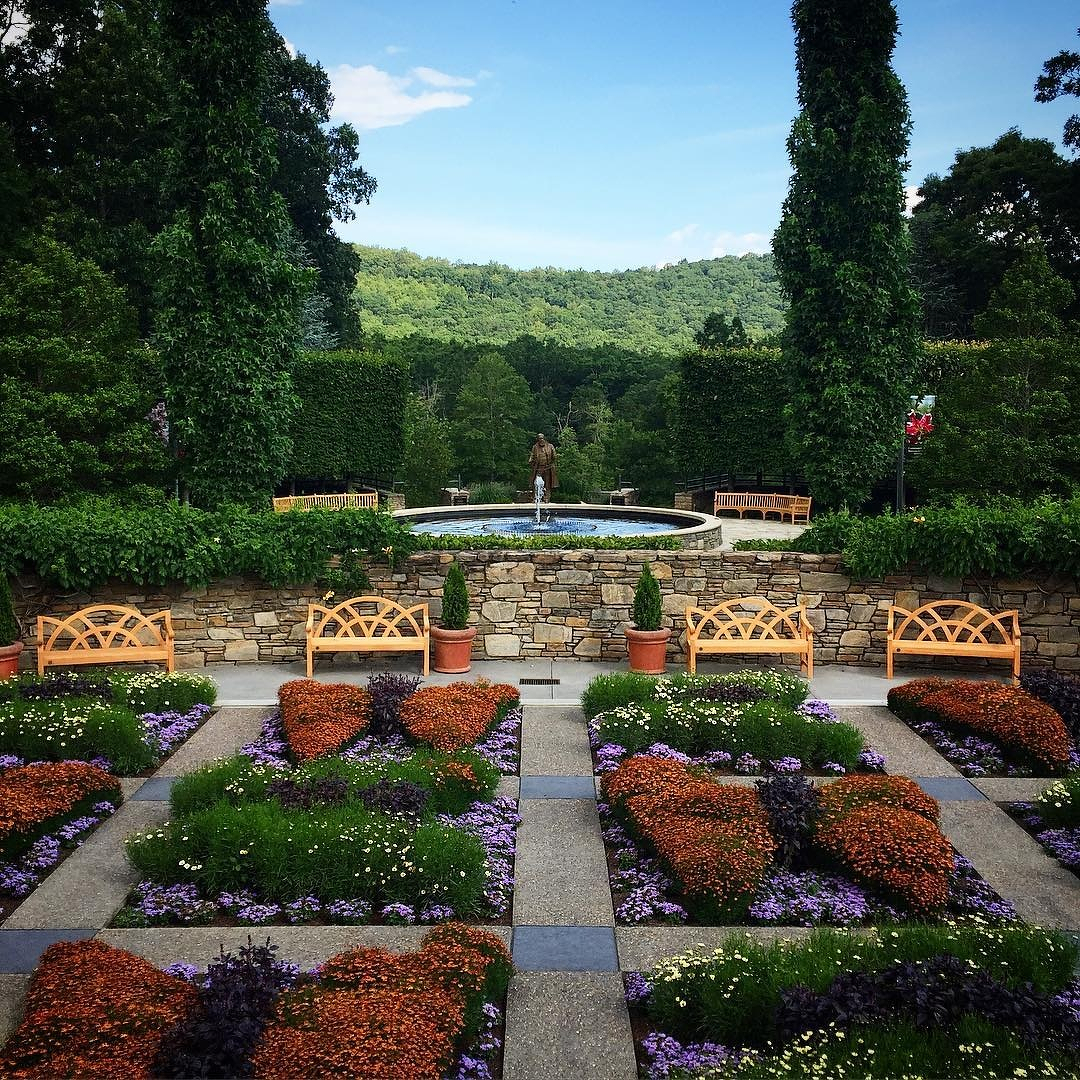
Gardens
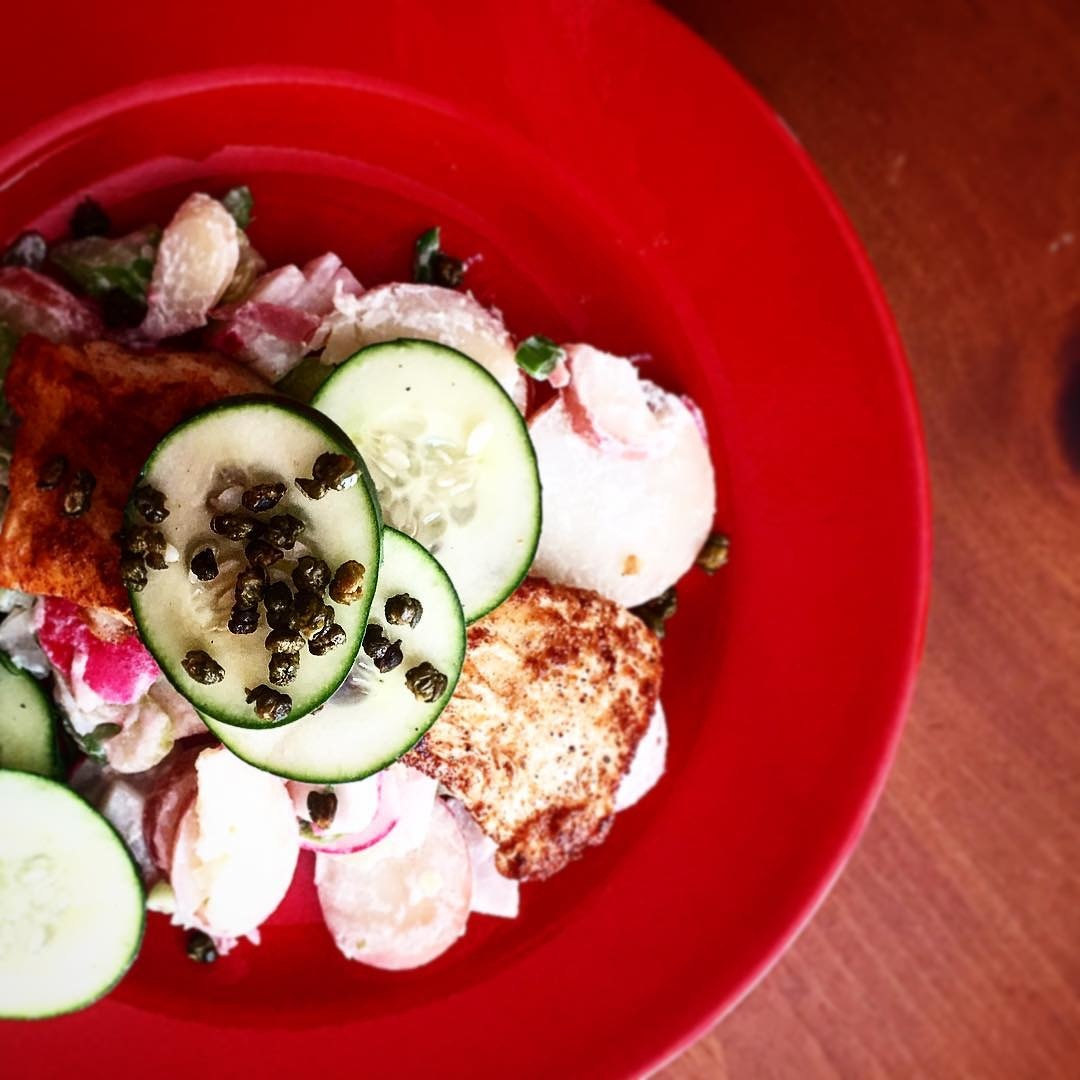
Our first #blueapron meal. Seared cod and potato salad. Tasty.
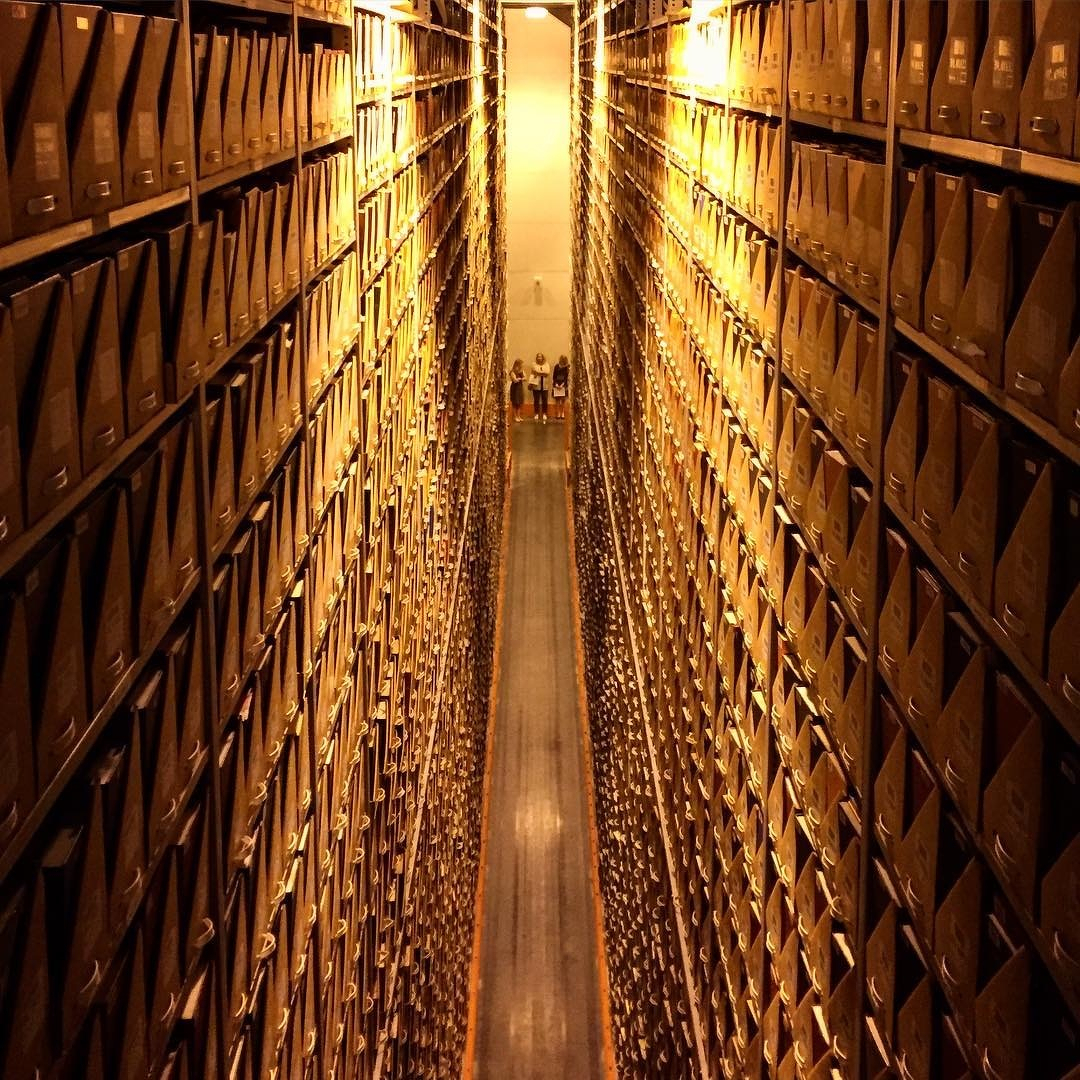
USC Library Annex, aka “The Box.”
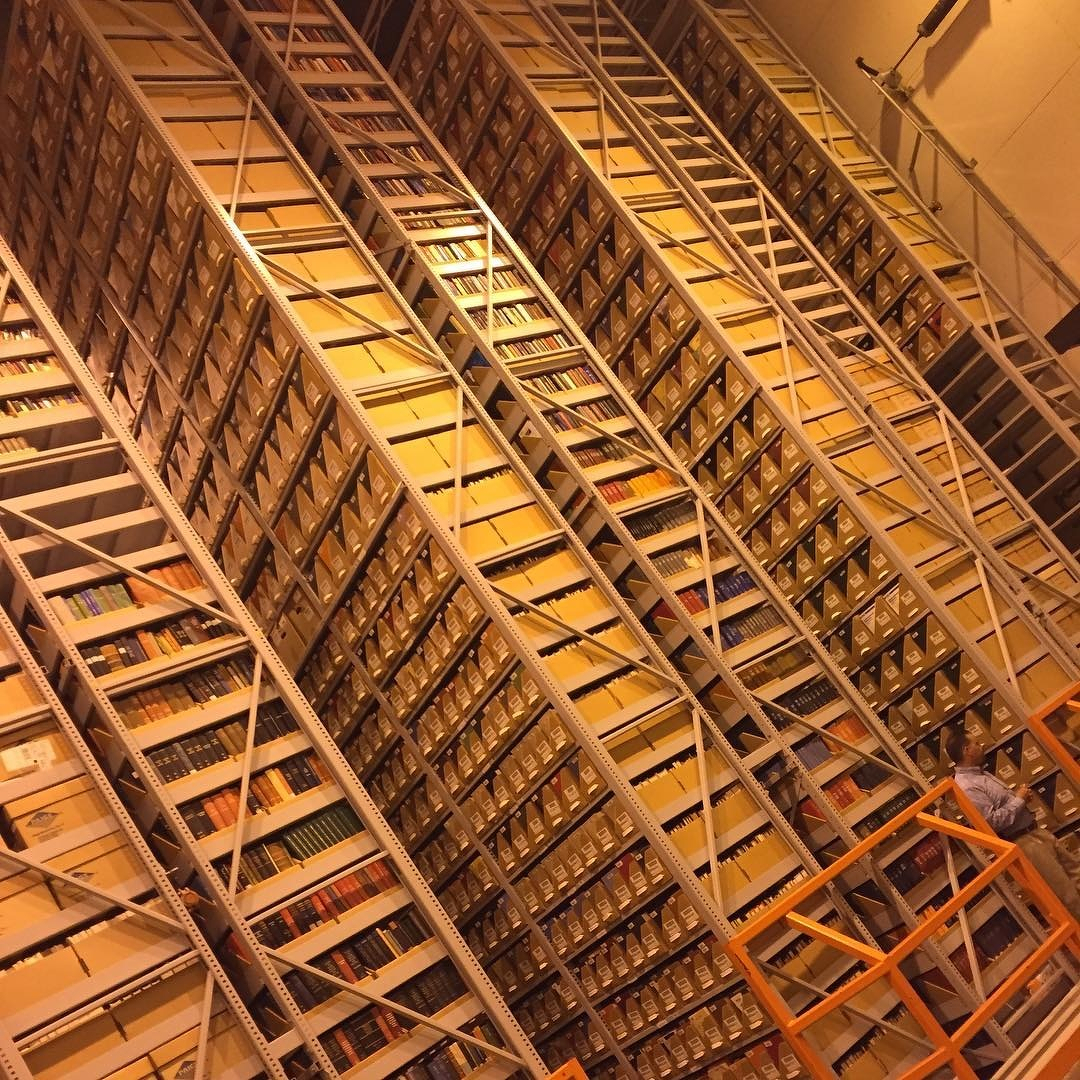
USC Library Annex. My senior thesis is somewhere on the right.
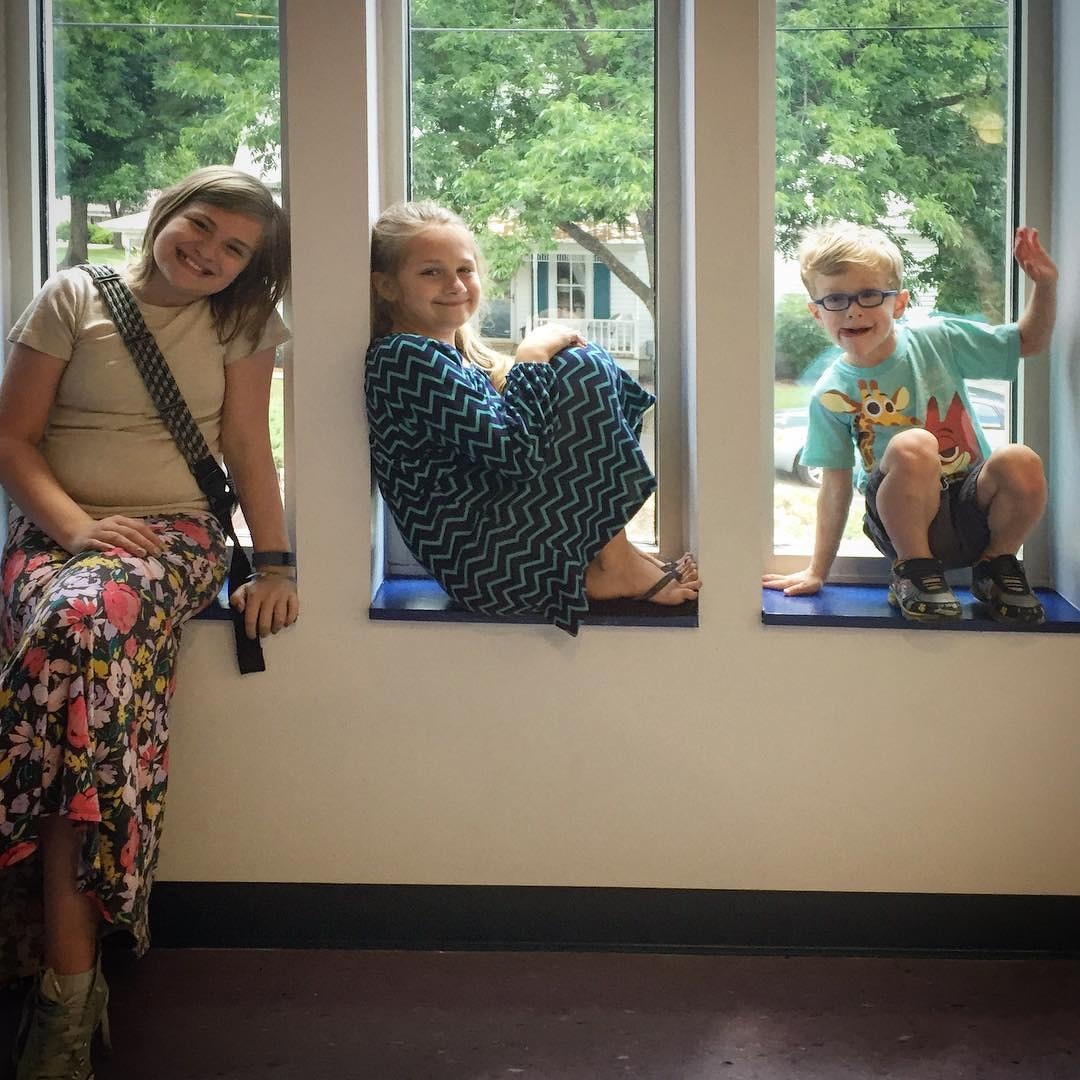
After church
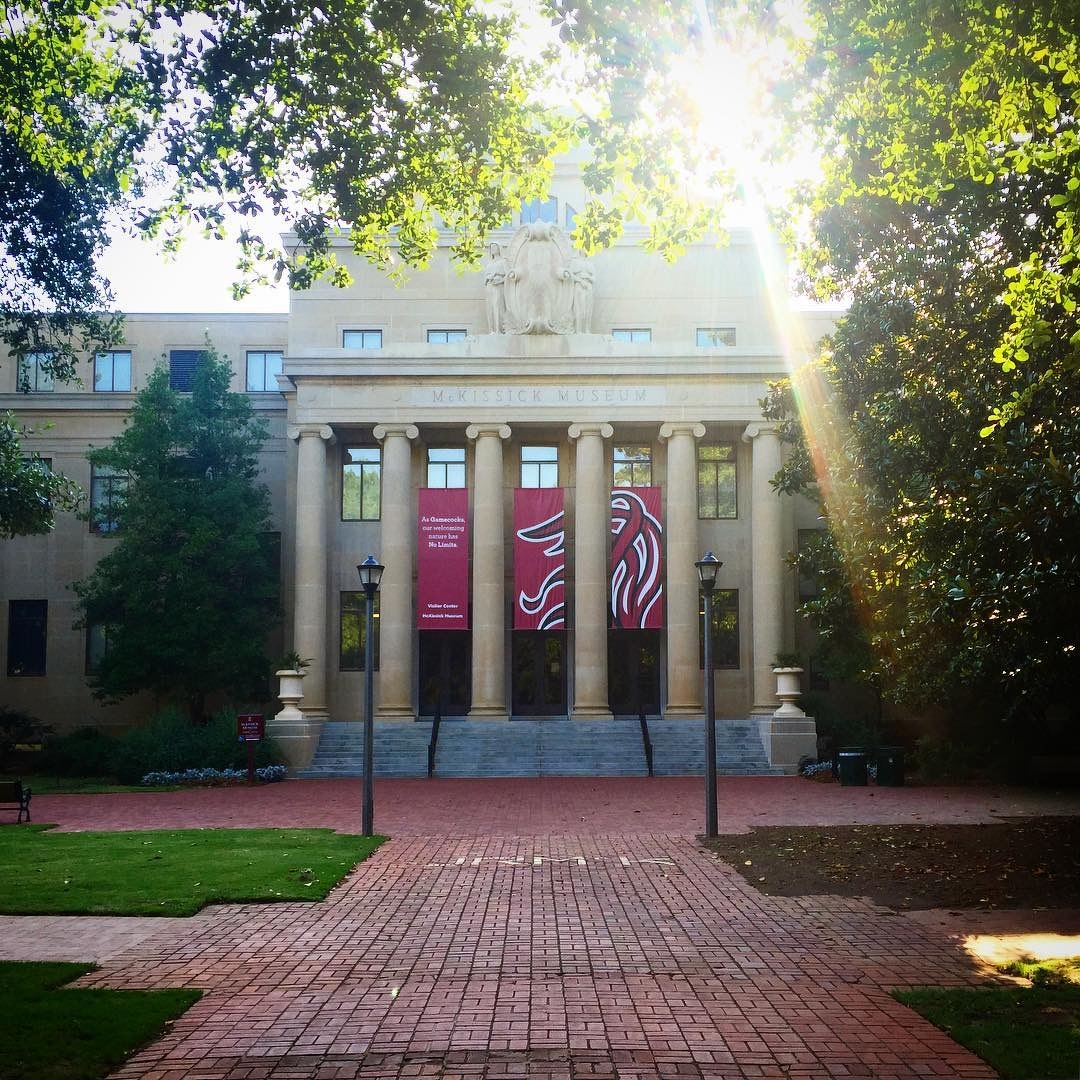
McKissick
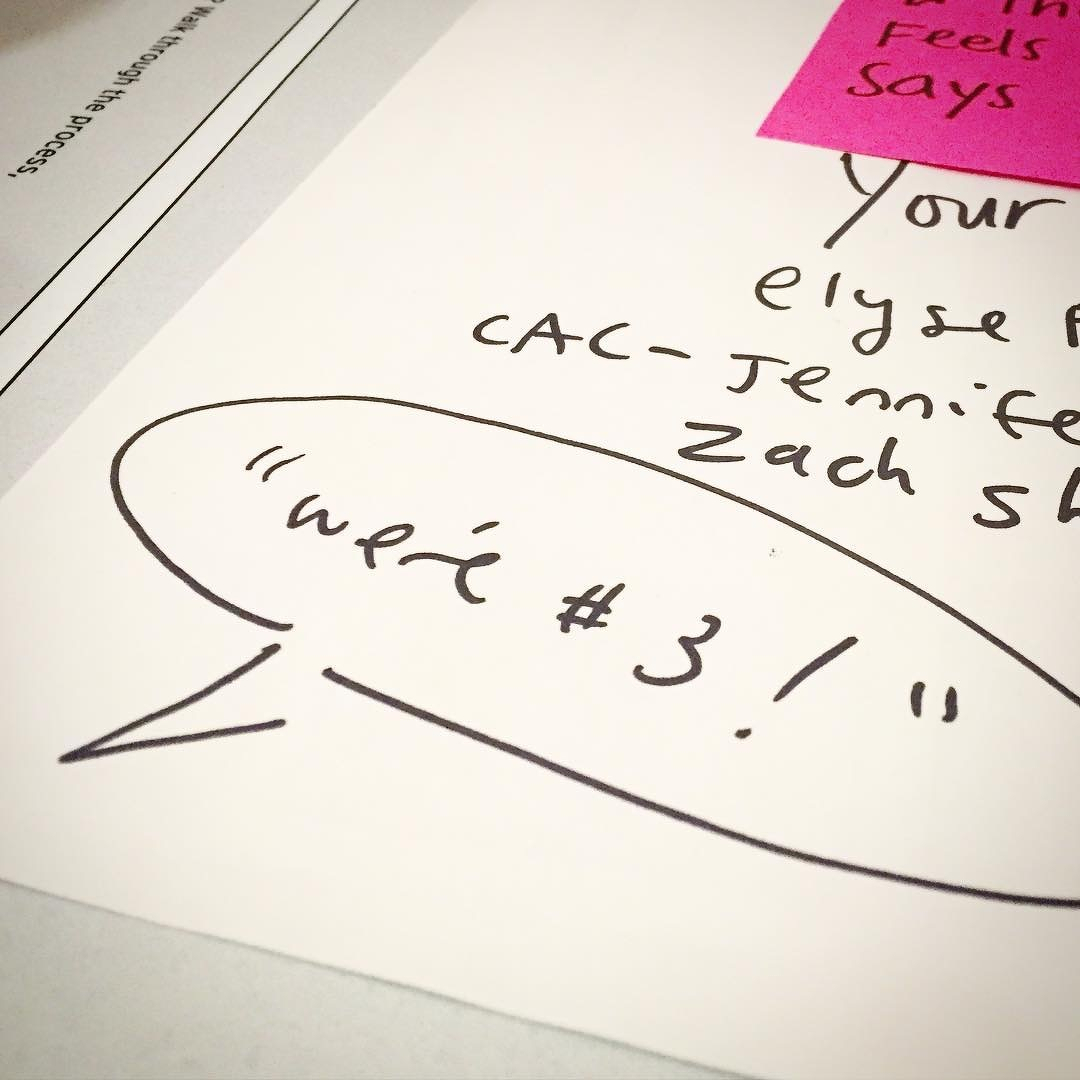
We’re #3! #aigaretreat
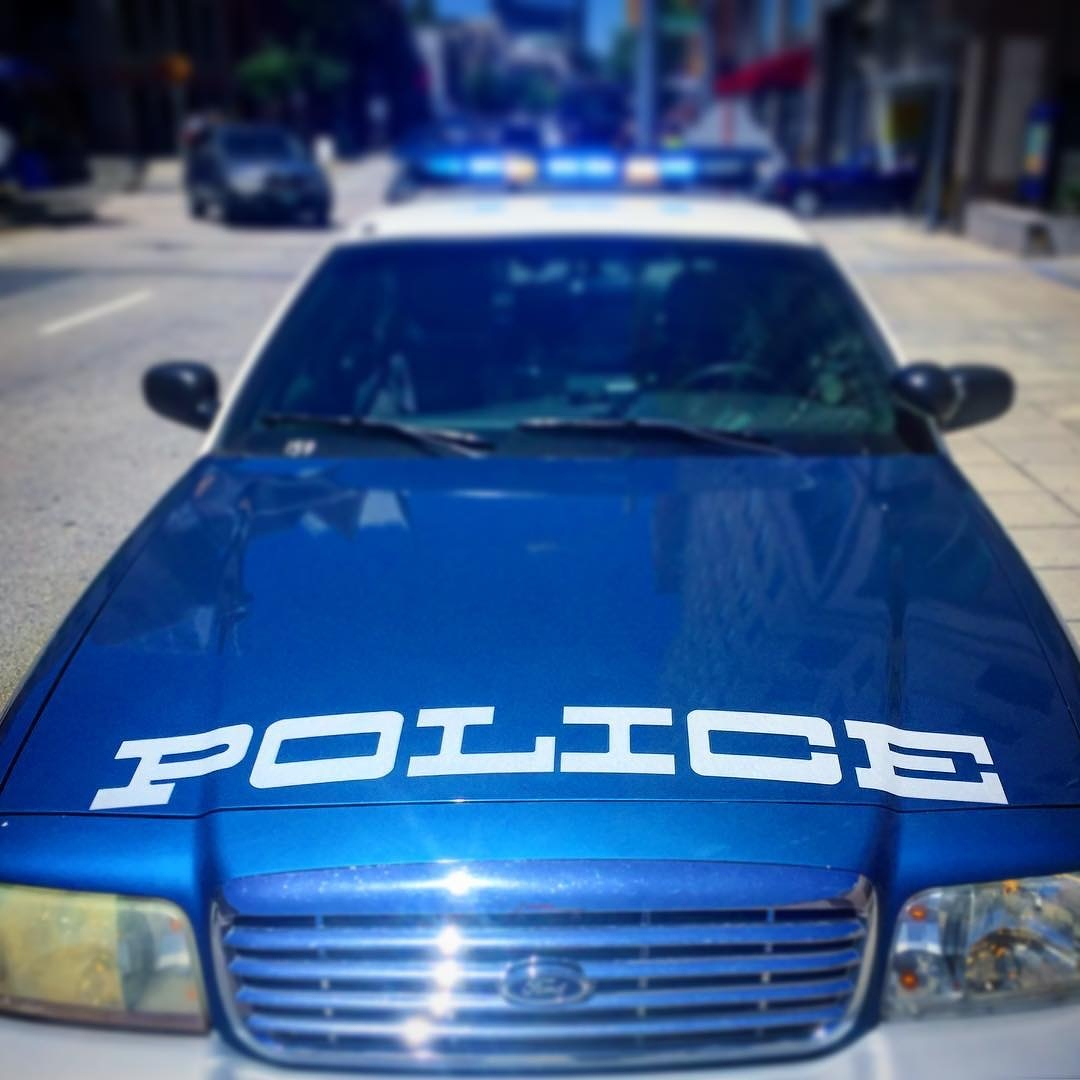
Police. (Interesting type choice…)
This post was originally posted on June 2, 2016 on Sketchbook B. It’s reposted here as part of a project to move some of my favorite writing to my new site.
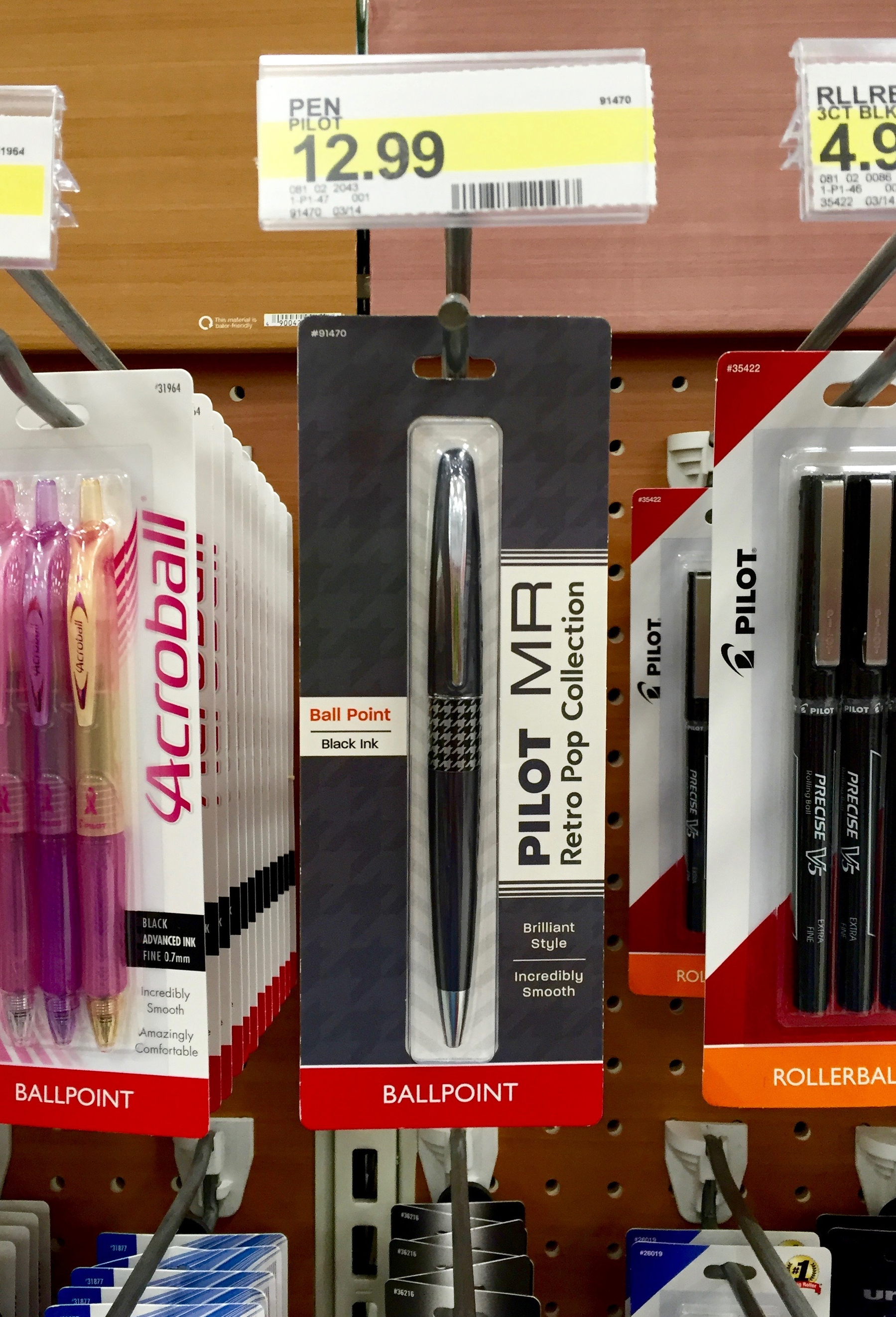
Walking through Target a few weeks ago, I noticed they were selling a Pilot MR Metropolitan Retro Pop ballpoint pen.
I’m familiar with the Pilot Metropolitan Retro Pop fountain pen and rollerball. The Metropolitan fountain pen is well regarded as a great pen for beginners. I own a green Pilot Metropolitan fine nib fountain pen and I’ve really enjoyed it. But I had no idea how there was a ballpoint version available through typical retail channels and I wanted to try it out.
The Metropolitan Retro Pop that I purchased from Target is sharp looking, with a dark gray metal body. The center band is a black and silver houndstooth pattern. The rest of the trim is silver. The point extends with a slight twist on the top of the pen body. If you are used to cheap plastic pens, the Metropolitan feels substantial.
The pen is a 1.0 mm black ballpoint and writes smoothly on a wide variety of papers. I typically use a 0.5 mm or 0.7 mm point so the line is a little thicker than I’m used to. The pen insert is replaceable but uses a shorter Pilot Dr. Grip Center of Gravity refill that is only offered in black or blue and only in 1.0 mm. I’m not sure if other refills will fit it as well. (None of the refills I had around the house fit the pen.)
For such a cool looking pen, the packaging isn’t impressive at all. It’s clearly designed to blend in with the other Pilot packaging, but it doesn’t really do a great job showing off the pen. I’m also a little surprised that the word “Metropolitan” doesn’t appear anywhere on the retail packaging, since that’s the branding that is more prominent in the fountain pen offerings.
The Metropolitan fountain pen and rollerball models come in a range of colors and patterns. According to the Pilot website, the ballpoint comes in five colors combos, but I’ve only seen the dark gray and houndstooth on the shelf.
The pen is a solid and versatile addition to my collection. I enjoy writing with it and it’s nice to have a quality ballpoint to supplement my fountain pens. While I like the gray and houndstooth design, I hope Pilot makes the bright colors widely available for people to discover.
If you don’t think you are ready for a fountain pen, the Metropolitan ballpoint might be a great option for you. For $13, it’s a solid gateway to the world of nicer pens.
War Memorial
8th inning
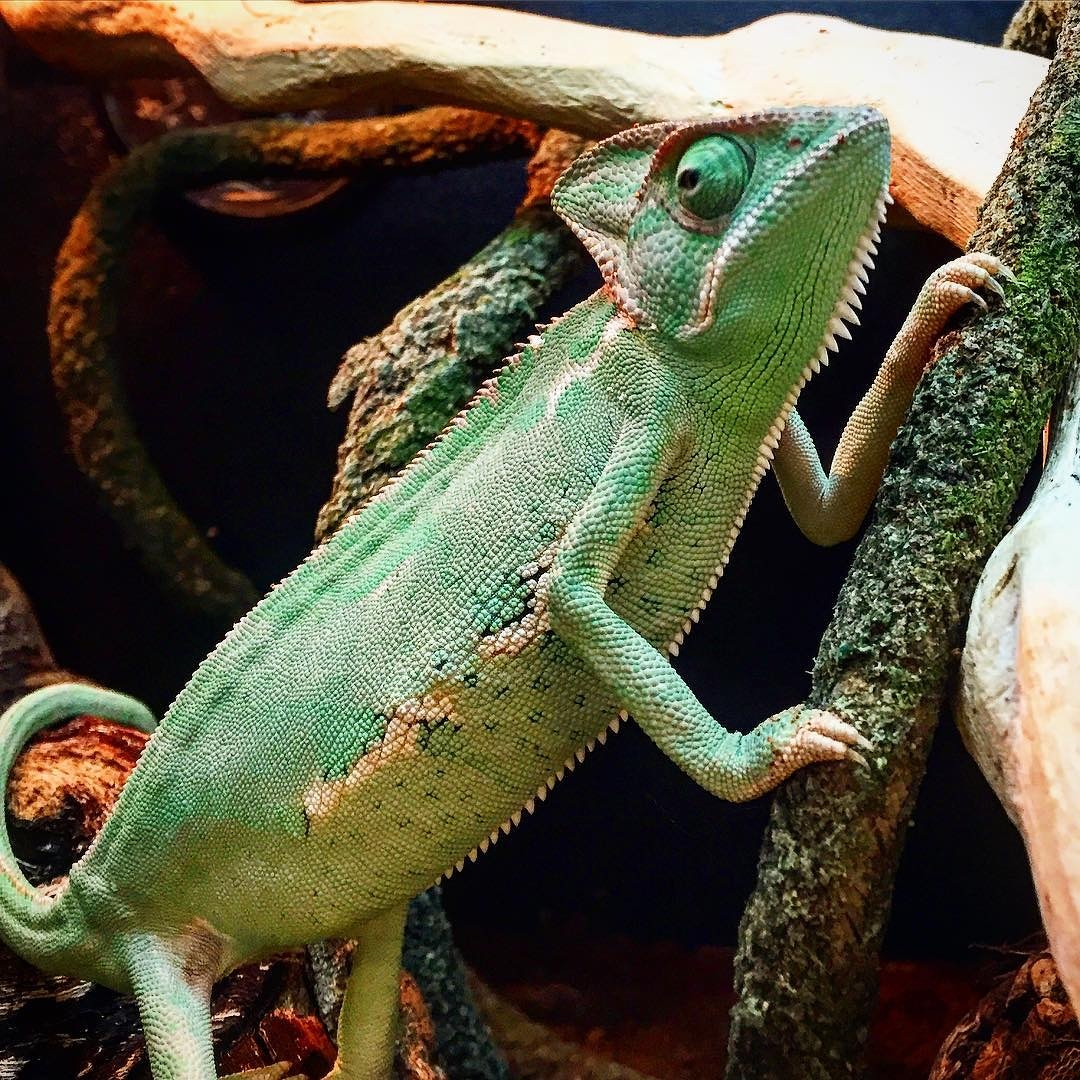
Chameleon at Pet Smart. (No, we did not buy him…)
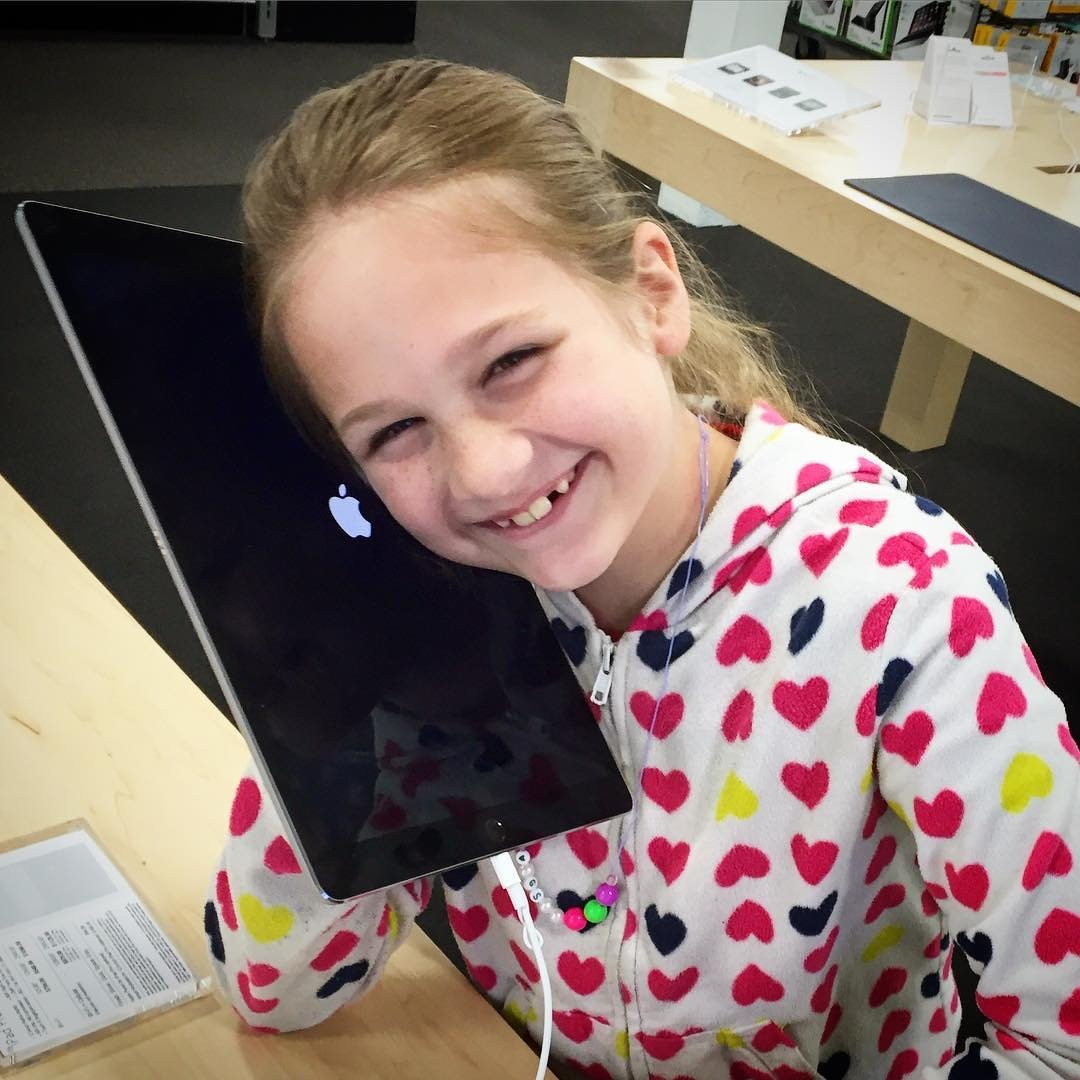
“Why would anyone want a phone this big?”
This post was originally posted on April 27, 2016 on Sketchbook B. It’s reposted here as part of a project to move some of my favorite writing to my new site.
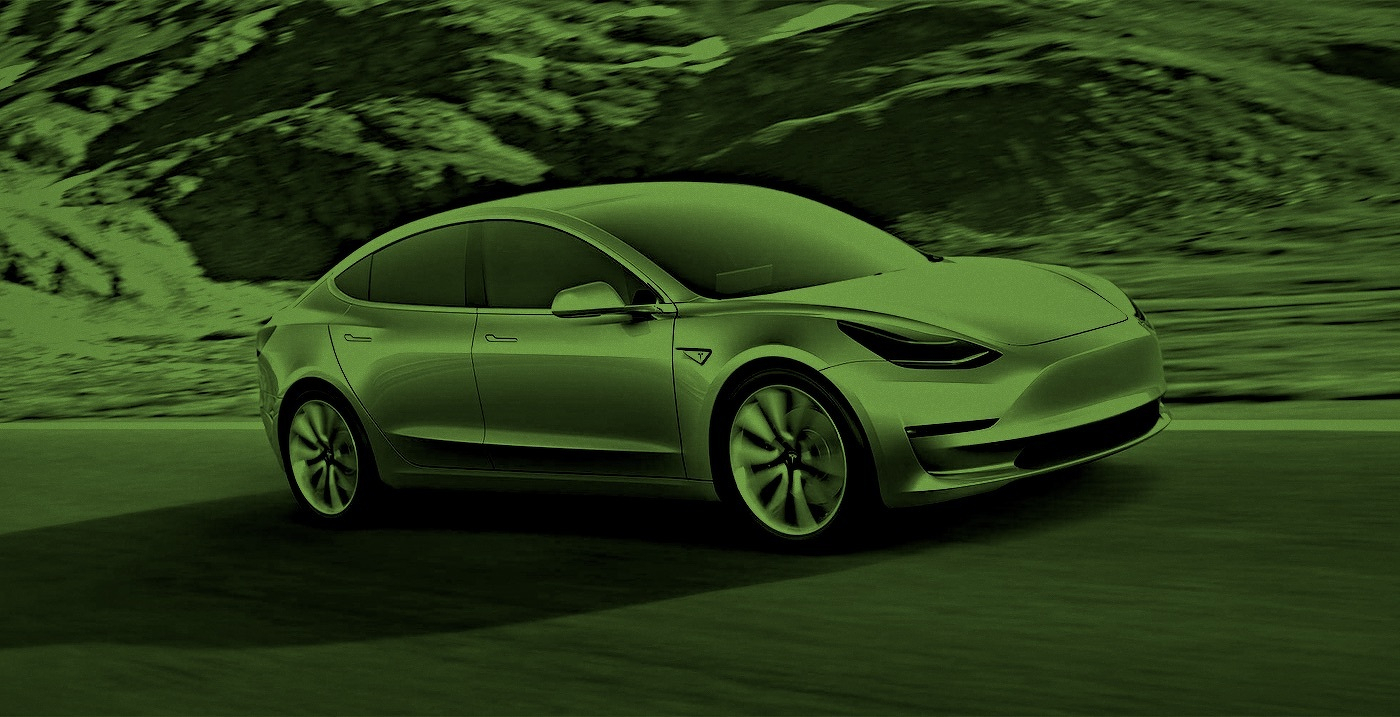
I struggle to explain why, but I want an electric car. My trusty VW Rabbit is getting up there in age and I’m thinking about a replacement. The next generation of electric cars are increasing in range and decreasing in price. With the Tesla Model 3*, Chevy Bolt, BMW i3, an updated Nissan Leaf and the rumored Apple Car, I’m thinking seriously that my next car might not have an internal combustion engine.
But why? When I talk to people about electric cars, most of them don’t get it. At all. And I’ll be honest — I struggle to explain it. I’ve been seriously thinking about it over the last week and I’m trying to understand why I’m so intrigued by an electric transmission.
Going the distance. An electric car fits my driving habits. Newer electric cars boast a 200 mile range. Most days, I drive about 40 miles. But some days, it’s almost 100 miles. Having a 200 mile range gives me more that enough juice to go anywhere I need to go without dealing with range anxiety. My wife’s SUV will work for long trips and I can use the electric car around town. I’m also close to charging stations on campus so if I need an additional charge, I can easily do that.
Less maintenance. I hate scheduling maintenance for my car. Electric cars have no oil changes and really only need tire rotation regularly. Less ongoing maintenance is appealing, but replacing a giant battery someday will be expensive.
It’s not about the environment. Most people want an electric car because it’s more environmentally friendly. But in reality, that depends on how your electricity is generated. Here in South Carolina, much of our power grid is nuclear power, but a significant percentage is still coal. While I’m sure an electric car is better for the environment than its gas powered alternative, it’s not a driving factor in my purchase decision. (I do think that getting America off its oil addiction is good foreign policy.)
It’s not about the high cost of gas. When gas was $4/gallon, electric cars were a hot idea because they were potentially cheaper. Gas prices are relatively low and if you calculate cost of ownership today, the electric car isn’t going to be the most cost effective. So switching to an electric car isn’t about money.
I’m not interested in a hybrid. I think hybrids are cool, but they are still cars with internal combustion engines. They have all the complexity of a normal car with the added complexity of an electric car. I have lots of friends with Prius (or Priuses?), and they all love them. But my interest in an electric car isn’t because I want to use less gas. I don’t want to use any gas at all.
I’m in love with the technology. I’m completely and totally in love with technology. And an electric car is the cutting edge of technology. From the drivetrain to the internal controls, an electric car is the most advanced piece of technology on the road.**
So will my next car be electric? It’s definitely possible and I think it all depends on timing. If I had to buy a new car today, it wouldn’t be an electric. Too many interesting cars on the market that are a better fit for me. But if I can hold out a couple of years, I’d be surprised if I don’t go electric.
* Since I haven’t already put money down on a Tesla Model 3, I won’t be getting one this decade.
** At least until self driving cars arrive.
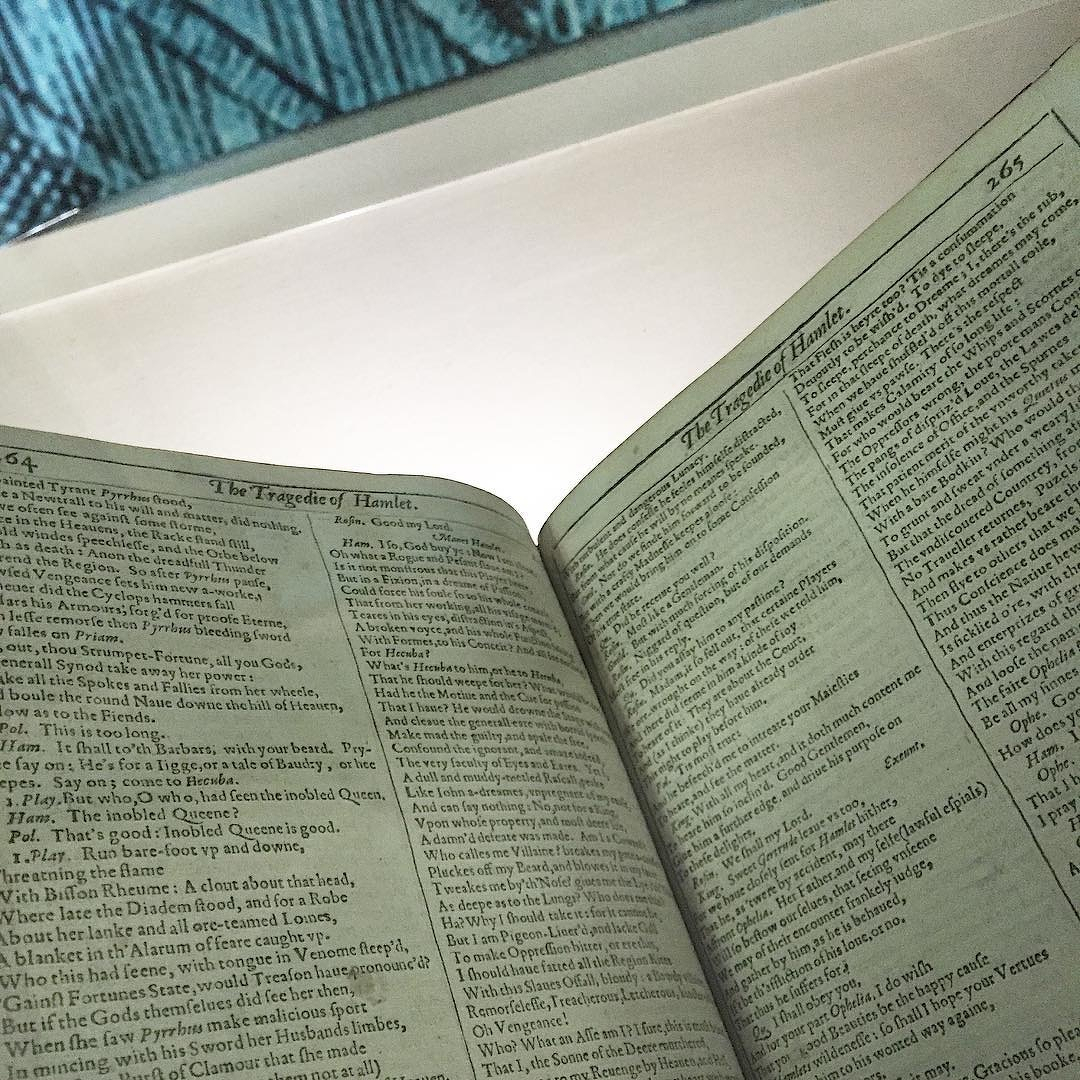
First Folio
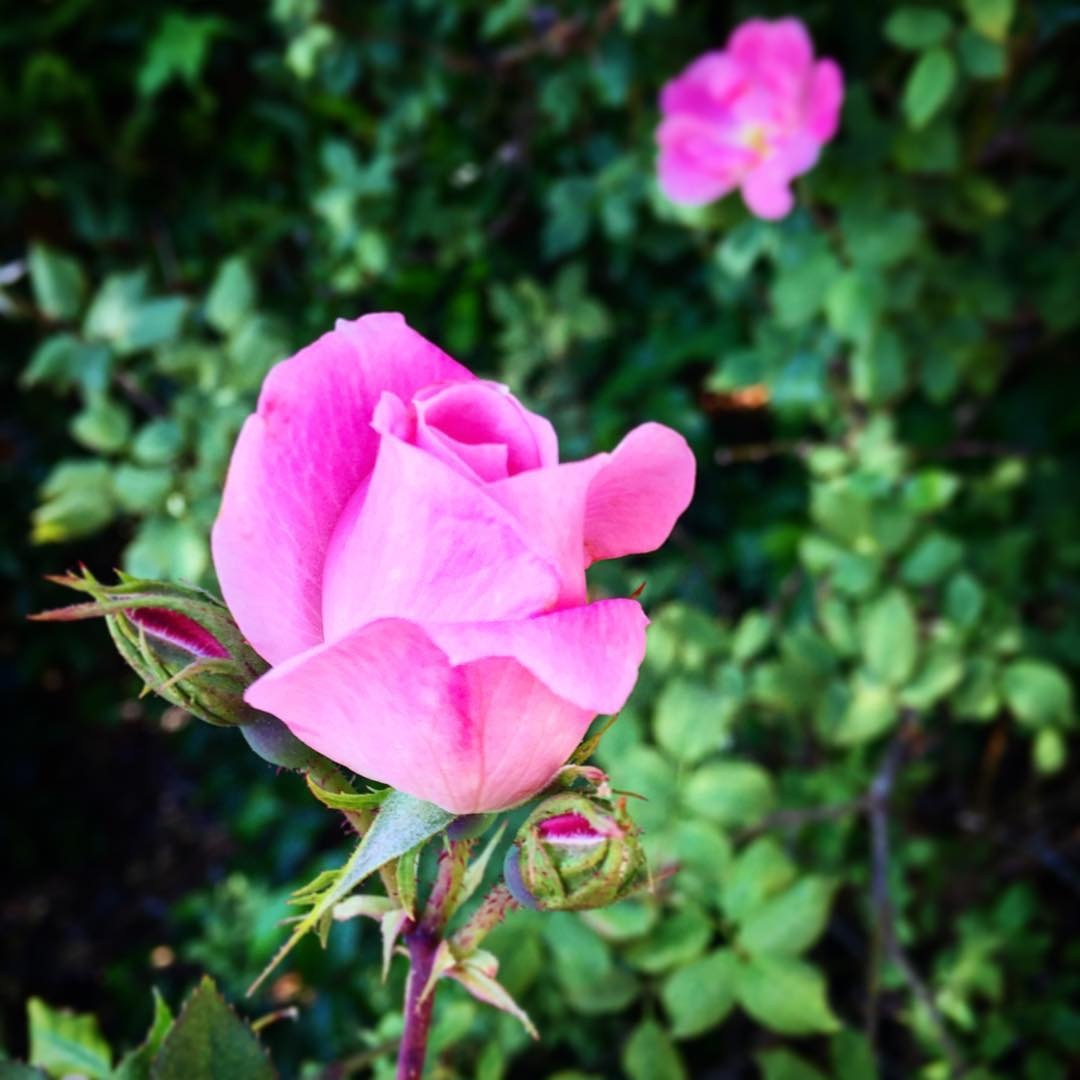
Rose
This post was originally posted on April 19, 2016 on Sketchbook B. It’s reposted here as part of a project to move some of my favorite writing to my new site.
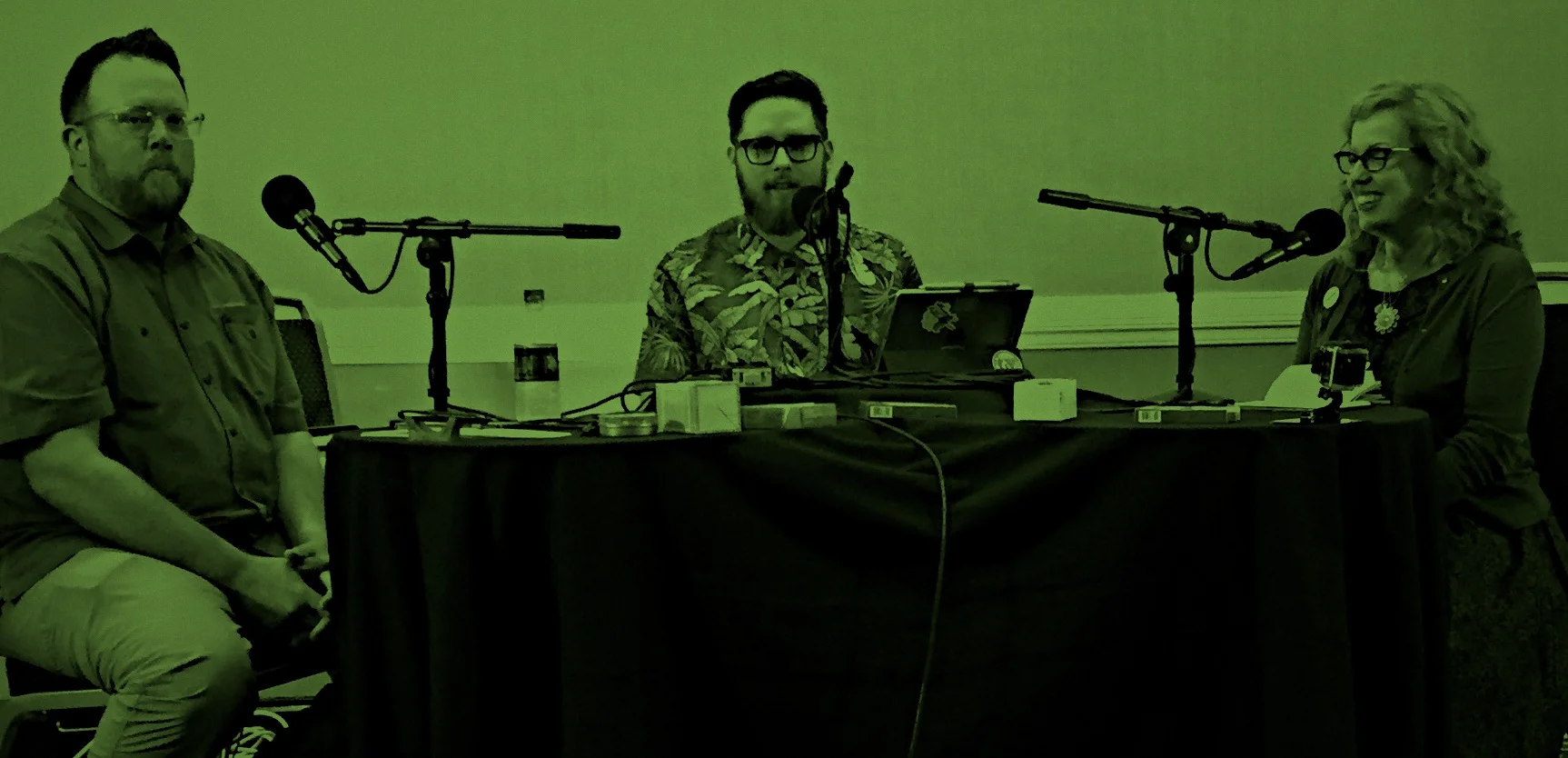
A little over a year ago, I started listening to the Upgrade podcast with Jason Snell and Myke Hurley on the Relay FM network. I knew all about Jason from listening to the Incomparable and reading his work on Macworld. I loved the show and the banter between Myke and Jason. But best of all, it introduced me to selection of other podcasts on Relay FM and the Incomparable.
One of these shows was the Pen Addict, hosted by Myke and Brad Dowdy. I tuned in for episode #152, just after the 2015 Atlanta Pen Show. Ironically, the topic was mechanical pencils. I was hooked and I’ve been listening weekly ever since. (I’ve also been buying pens and pencils ever since…)
When the 2016 Atlanta Pen Show rolled around, I knew I had to go. Brad lives near Atlanta and Myke flies in from London for the show. This year, they recorded the 200th episode of the Pen Addict live in front of an audience.
My wife joined me on the (reasonably easy) trek down I-20 from Columbia. I always make Liz listen to podcasts on long trips and she wanted to put faces with the voices she’d heard.*
We spent Saturday at the show and attended the episode recording that evening. It was a wonderful experience and we may have to make the Atlanta Pen Show an annual tradition. I figured I share some thoughts on the experience of attending the Atlanta Pen Show and Pen Addict live broadcast:
It’s a little bit overwhelming for a first time visitor. All the vendors were exceptionally nice and willing to answer questions.** But there are just so many pens. Three large rooms with tables and vendors everywhere. New and vintage. Inexpensive and very, very expensive. Stock and custom. Inks, nib grinders, cases, paper and more. (Several vendors noted that the D.C. Pen Show is much bigger and crazier.) I enjoyed it, but it was a lot to take in and absorb. I’ve only been buying pens for about a year and I’ve got a lot to learn.
I got to check out pens I’ve never seen. There isn’t a pen store in Columbia so I rarely have a chance to check out nice fountain pens in person. But there is a great selection at the Atlanta Pen Show. I fell in love with the Pilot Vanishing Point. I got to check out some Lamys that I haven’t had a chance to hold… a Lamy 2000, a Studio and even an Imporium. The Karas Kustoms clipless Ink is also a beauty. I definitely prefer the cleaner, more minimalist designs.
I didn’t buy a pen. I almost bought a Pilot Vanishing Point — green, of course — but decided to wait. And I was tempted by a Lamy Studio. I must have circled the Anderson Pens table a dozen times. I’m looking at more expensive pens and these pens aren’t an impulse buy. Instead I bought some ink from Vanness Pens, a Nock Fodderstack XL and some notepads to try.
I’m terrified of vintage pens. I love the idea of vintage pens, but I was overwhelmed by the selection. I had no idea what I was looking at. I’ll need to do a fair amount of research before I feel comfortable investing in a classic design.
Friendly folks. Myke and Brad were joined on the episode by Ana Reinert from the Well-Appointed Desk. Stephen Hackett from Liftoff and Connected came down to run the technical side of the broadcast. They were all very approachable and made an effort to talk to everyone. (I even got an impromptu review of Myke’s new nylon Apple Watch band.) It’s nice to find out that the people that you listen to every week are really as awesome as they seem on the podcast.
Watching the Pen Addict live was amazing. Being able to see how Myke, Brad and Ana interact on the show was wonderful. It was like a couple of friends just talking about pens… with a bunch of spectators and a whole lot of technology.
Thanks for all the hard work. It’s got to be hard to record a podcast every week and not really know what people think. This show ended with a standing ovation and tears from Brad and Ana. I didn’t really think about it until that moment, but I’m glad we as an audience got to let Brad and Myke know — in person — how much we appreciate the show. I really do look forward to it each week.
I won a door prize. Which probably doesn’t come as a surprise to those who know me well.*** Ana donated an awesome prize pack with a bottle of green Pilot Iroshizuku ink, a notepad for work****, a stamp, a magic pencil, some limited edition XOXO Field Notes and some wicked chocolate that was not melted. Thanks, Ana! I’ll put it all to good use.
Liz and I had a great time. If our schedule permits, we’ll absolutely head down to Atlanta for the 2017 edition. (April is always a busy time of year for us, though.) If you are interested in pens and writing utensils, attending a pen show is a great way to check out your options if you don’t have a pen store near you.
* She was disappointed that Jason Snell and Serenity Caldwell weren’t there. I told her Jason would never attend a pen show.
** There was one pushy dude who was kind of obnoxious.
*** I win a lot of door prizes. It all started when I won a jet ski in 7th grade…
**** My wife was disappointed that she can’t take it to her work, but a notepad with the “s-word” on it won’t fly in kindergarten. I, however, love it.
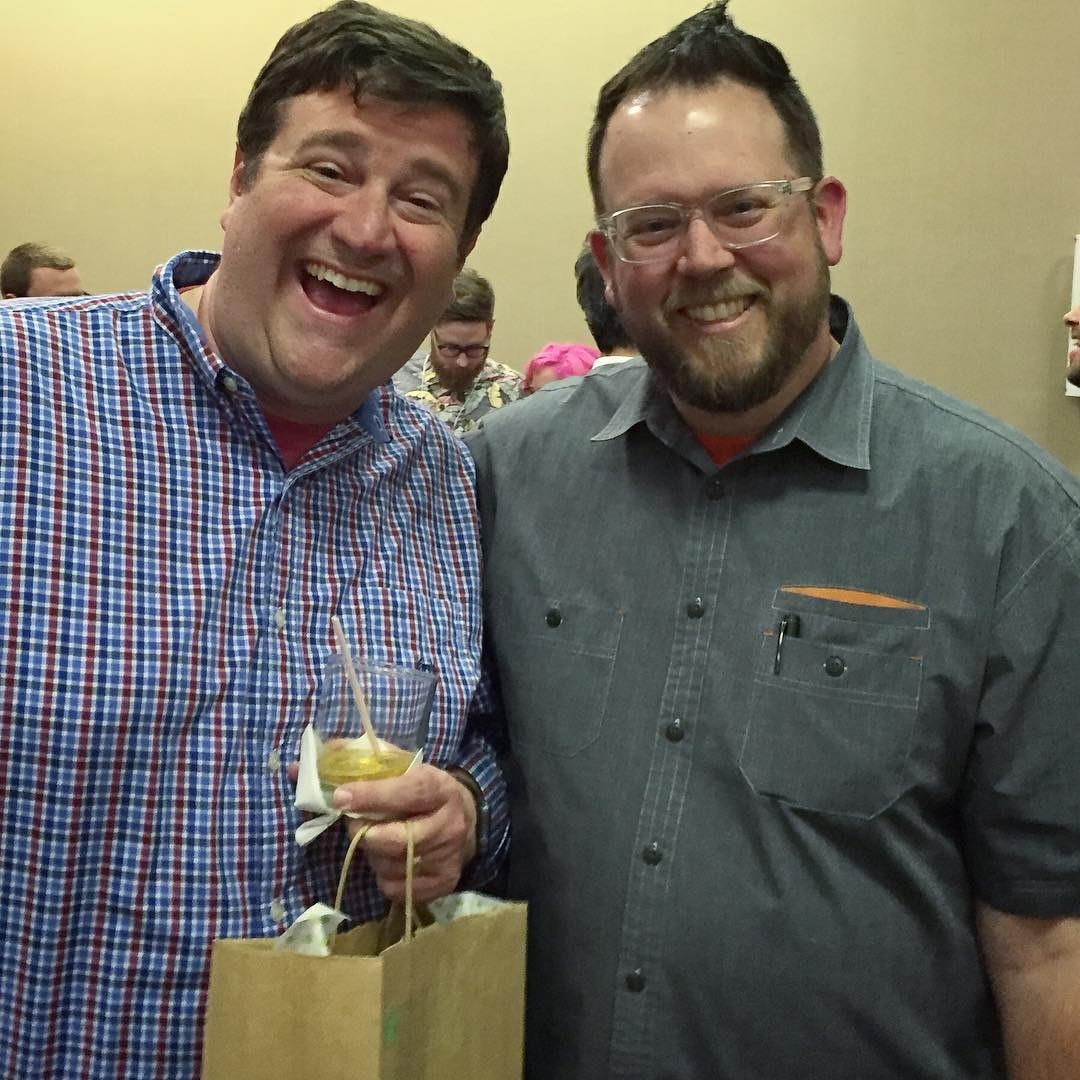
Got to meet Brad at the @penaddict 200th episode recording. And won an awesome door prize!
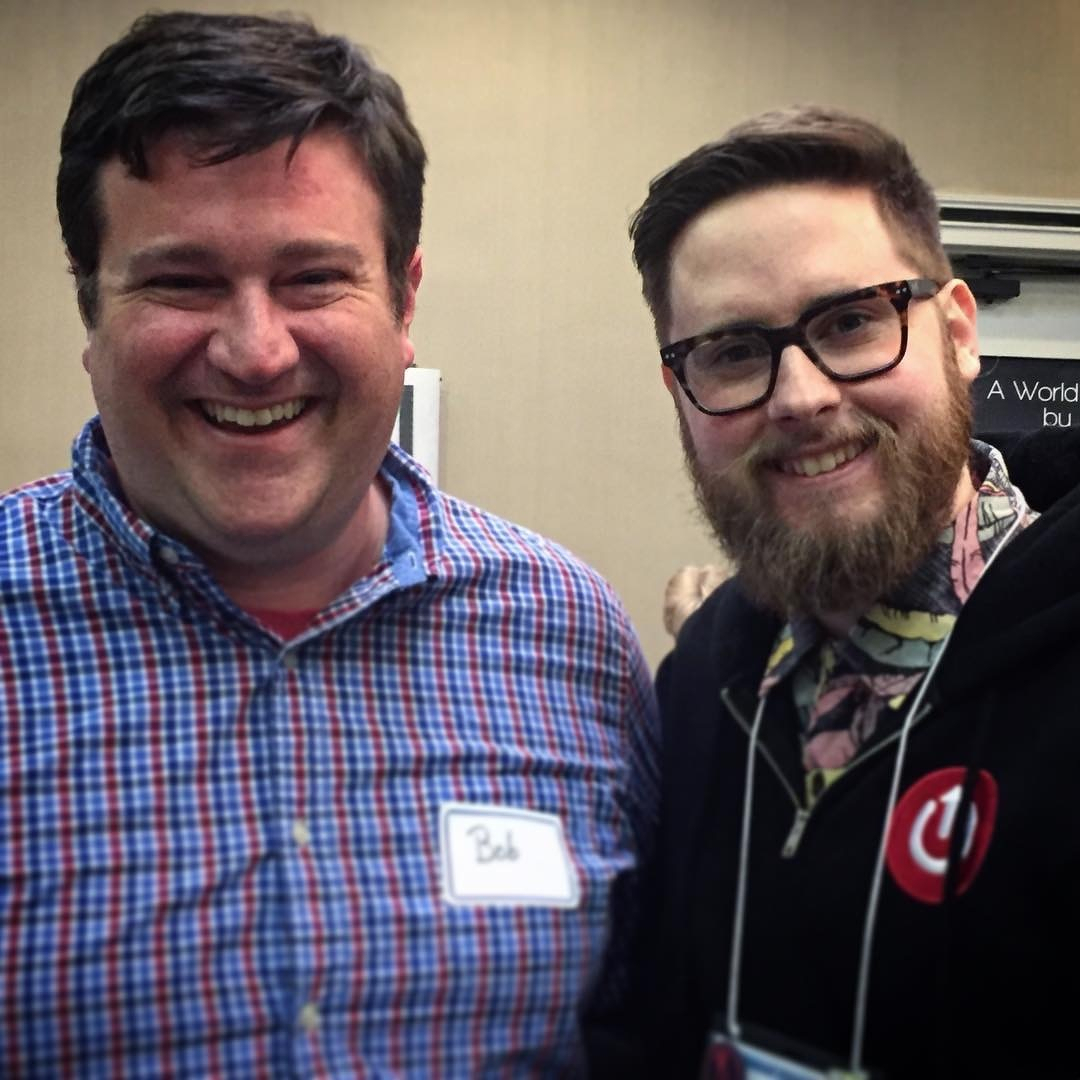
Glad I got to meet @imyke at the Atlanta Pen Show. Looking forward to the show tonight.
Lunch date.